

How I Manage My Images in Lightroom - From Import and Export
In the blog this week I share with you Adobe Lightroom workflow. I show you how I manage my images from import to export and everything in between.
My Lightroom Workflow
I've been using Adobe Lightroom since version 3 and over the years I've been fine-tuning my image workflow around its capabilities. While its image processing speed had left me screaming up until a recent update, I've always liked its ability to organise and manage my photographs.
In the video below I share with you my Lightroom workflow. I show you how I import my images, select images for processing, apply keywords, rate images and finally get them ready for export. There are lots of different ways to do Digital Asset Management (DAM) in Lightroom, so my way is probably neither the right way, nor the wrong way, but hopefully, you'll be able to take something away from this video and use it in your workflow.
Do you have any Lightroom tips for image organisation? How does your workflow differ? Let me know in the comments below.
My Other Workflow Videos
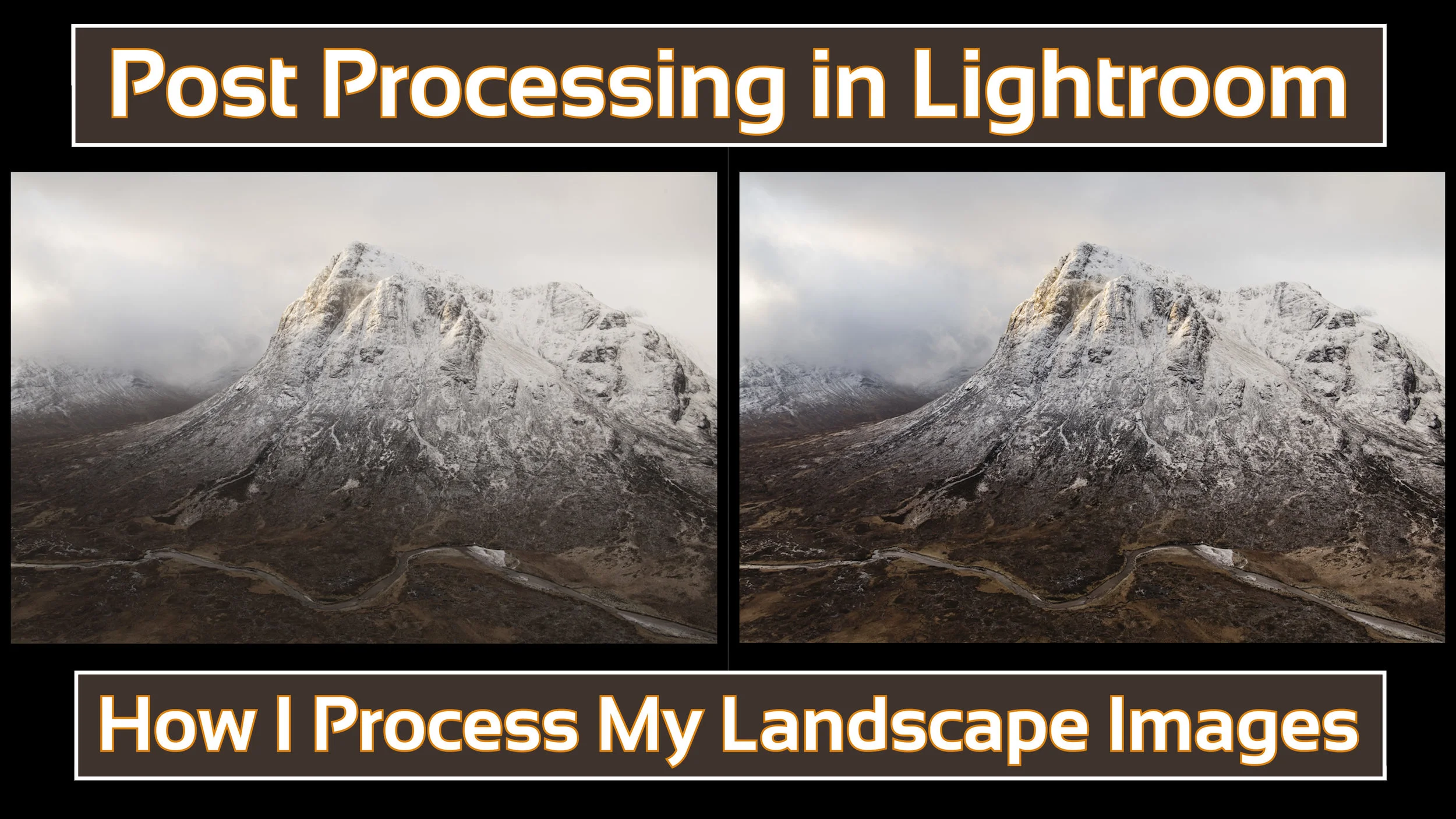
How I Post Process My Landscape Images in Lightroom
In the blog this week I share a video on how I post process my landscape images using Adobe Lightroom.
As Requested!
Over the last few months, an increasing number of my YouTube followers have asked about my post-processing technique and would I do a video on the subject. Well, I finally found a suitable gap in my schedule to create a post-processing video and you can watch it right here:
As I said in the video, what I do is not necessarily the right way or the only way to do post-processing, it's just the way I do. Hopefully, even if you already know Lightroom you might have picked up on something new that you didn't know about.
Anyway, just a really short blog post from this week. I just wanted to share that video.
Are you interested in how I backup my data? Would you like to know how I manage my Lightroom catalogue? Let me know in the comments below.