
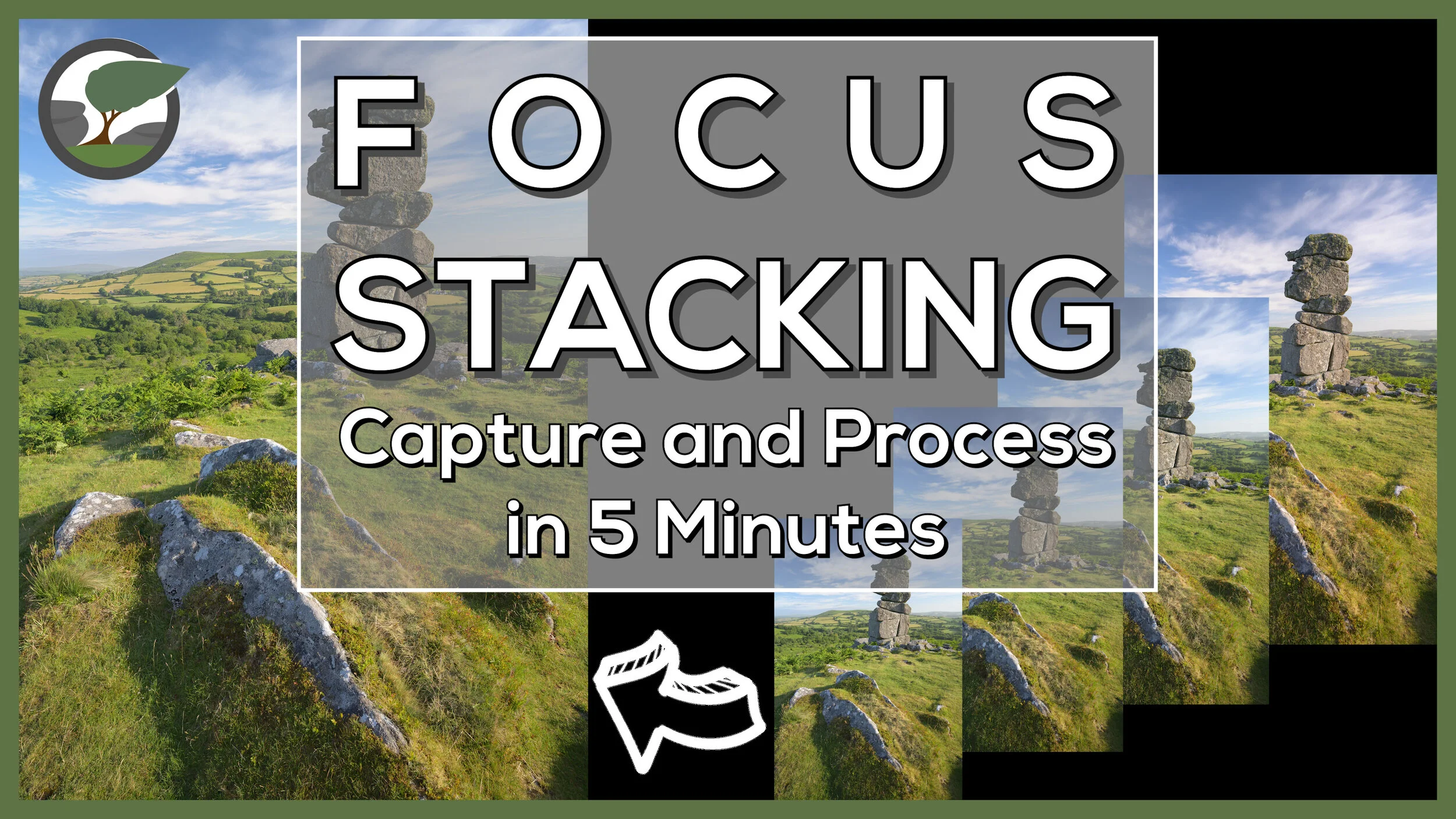
Focus Stack a Landscape Photograph in 5 Minutes
Focus stacking a landscape photograph needn’t take a long time. In this video, I’ll show you how to capture and process a focus stacked landscape photography in 5 minutes.
Focus Stacking - Capture and Process
When you first start to learn how to focus stack it can seem a bit overwhelming. It seems to be a bit complicated and not worth the effort. However, the complexity of the focus stack is very much dependent on the subject being photographed. Macro subjects are trickier to focus stack correctly.
What if you want to focus stack a landscape photograph though? I’m pleased to say the process is much easier and quicker. Despite the relative simplicity of the focus stacking process for landscape photographs, it’s not something I do that often. Sometimes it’s just not needed, and a single shot will yield sufficient sharpness, but when you do need it, you'll be glad you have the skills in your toolbox.
In the video below I aim to show you how straightforward to process can be to capture and process a focus stacked landscape photograph. You will rarely need more than four frames, but if you do the process remains the same. Once you can do it with a small number of frames, you have all the principle skills to allow you to do it with a larger number of frames.
Bonus Tips
To keep the content in the video concise and short I decided to only cover topics that were related to the process of creating the focus stack. For the readers of the blog though I’ve decided to give you a little extra value add by giving you a few extra tips.
The image with the finger - you will have seen in the video an image in the Lightroom film strip with my finger pointing up. What is this for? This image reminds me that the following images are part of a sequence. I use “finger up” for a focus stack sequence and “finger right” for a panoramic sequence. If you’ve captured lots of images, having these “finger” shots allows you to quickly pick out sequences of images in Lightroom.
Edit images before or after merging? - Should you apply your edits before you import the images to Photoshop, or after you have saved the stacked image? Personally, I make some very basic global edits before I load the images into Photoshop. Remember, if you change one image you will need to sync the changes to all the images you are going to use in the focus stack. After the photo merge in Photoshop, I will apply some local adjustments and any local/global sharpening.
Large files - depending on the number of images in the stack and size of the source files you may get a warning message from Photoshop when you save the file telling you that it is bigger than 2 TB. While you can save the file as a PSB I recommend selecting all the layers and flattening the image. This will make the resulting file much smaller but you won’t be able to modify the masking areas later without doing the focus stack again). It’s rare that I ever want to edit those masking areas again.
To Photoshop or Not - There are a number of dedicated focus stacking tools such as the excellent Helicon Focus but for most landscape focus stacks Photoshop does a good job. There’s no doubt that Helicon Focus is much faster and accurate, but this tends to only be a benefit with complex focus stacks (such as macro subjects).
Lightroom catalogue management and image editing - If you are interested on how I manage and edit my images in Lightroom, then check out my video on Lightroom Catalogue Management and Lightroom Image Editing.
That Focus Stacked Image
Here is the final image from the video so you can take a closer look.
Bowerman’s Nose Sunrise #7, Dartmoor, Devon - Nikon Z7, Nikkor Z 14-30mm f/4 at 17mm, 1/25th sec at ISO 64, f/8, Kase Filters K9 Polariser, 4 image focus stack.
Want a More Detailed Tutorial?
If you'd like to watch a more detailed video on focus stacking, and how to use the focus shift feature found in recent Nikon cameras, and deal with more complicated post processing scenarios, then check out my other video on focus stacking which you can see here.

Focus Shift / Stacking with the Nikon D850: Capture and Processing
In the blog this week, I finally put the Nikon D850 Focus Shift feature to work by heading out to Dartmoor National park to capture a focus stacked landscape photograph of the waterfalls at Venford.
Using a New Feature of the D850
I love using my Nikon D850. It is without a doubt the best camera I've ever used. I even made a video on the 8 Things I Love About the D850. However, there was one feature that until recently I had never used. That feature was Focus Shift Shooting.
Focus Shift Shooting was a feature introduced with the D850 that allowed the camera to automatically take a series of photographs at different focus points throughout the scene. The idea is that you take those images, each with a different point of focus, and then "stacked" them in Photoshop, to create one super sharp image.
While the idea of focus stacking is hardly a new one, having a camera do the hard work for you is relatively new. Even the amount of work in post processing is much reduced now with Photoshop generally doing an excellent job of merging the photographs automatically.
Using Focus Shift in the Field
With the process of creating a focus stacked photograph becoming easier and easier I thought it was about time, I gave it a look. After all, even if I don't use focus stacking all the time, having another skill in your photographic toolbox can never be a bad thing.
So if you want to learn how I focus stack my images (and you don't necessarily need to own a D850 to do it), then check out my video below:
I hope you enjoyed that brief tutorial. Like I said, you don't have to own a D850 to create a focus stacked image. The D850 just automates the process of capturing the images. I was also a bit hesitant at first on trying out focus stacking. It all seemed a bit like hard work, but as it turns out it's not that difficult and the results are great. It's not needed for every photo, but you'll be glad you learnt the skill should you need it.
So, do you focus stack your images? Do you have a slightly different technique? Let me know in the comments below.
Those Focus Stacked Photographs
Venford Falls - Dartmoor, Devon: Nikon D850, Nikkor 16-35 mm f/4 at 24 mm, 2.5 secs at f/8, ISO 64, Lee Filters Circular Polariser.
Life on the Edge - Bedruthan Steps, Cornwall: Nikon D850, Nikkor 16-35 mm f/4 at 26 mm, 1/15th sec at f/5.6, ISO 64, Lee Filters Circular Polariser.