

Going Greener with Fotospeed's Natural Smooth 310 Paper
In this video, I put Fotospeed’s Natural Smooth 310 to the test. The paper is made from 34% hemp, 33% recycled materials, and is produced with sustainability in mind but how does it actually perform when printing photographs?
Part 2 of Going Greener with my Photography
A few months ago, I published a video in which I used public transport rather than my car to reach one of my landscape photography locations. I wanted to see if using the train was a practical option. It would be a small change, but it might be a more sustainable one. You can see how I got on and what I concluded in the video.
For my next small change I wanted to take a look a new paper from Fotospeed, their Natural Smooth Cotton 310. Not only is this smooth matt paper part of their signature range, it is also Fotospeed’s first sustainably sourced paper.
Using a sustainable paper for printing is hardly going to save the world, but if I make a lot of small changes they can add up. But the question is, will using a paper made of hemp and recycled materials compromise the print quality? To find out I put the paper to test, and you can find out the results in this video!
Use the discount code Julian15 and get 15% off Fotospeed papers at Fotospeed.com
🛒 Purchase Fotospeed Natural Smooth 310
🛒 Fotospeed Spring Back Binders
More of my printing videos worth watching:
🎞️ Showcase Your Photos with Spring Back Binders
🎞️ My Canon Pro-1100 review and setup video
Other Useful Links
🎞️ Fotospeed's Natural Smooth 310 video

Canon imagePROGRAF PRO-1100 Review and Setup Guide
Are you thinking about purchasing the Canon imagePROGRAF PRO-1100? Or have you just purchased it and want to know how to set it up? In this video I’ll show you how to set it up, make your first print, use ICC profiles, talk about ink costs and give you some ideas for displaying your prints.
Going Bigger and Being More Cost Effective with the Canon imagePROGRAF PRO-1100
If you’ve been reading this blog or watching my YouTube channel over the years you’ll know what a passion I have for printing. My love for printing was further fuelled at the weekend when I attended and hosted Fotofest in Bristol. It was a fantastic event and being in a community of like-minded photographers reminded me of how important printing is to so many people.
A few months ago I changed from a Canon imagePRO-GRAF PRO-300 to the new Canon imagePROGRAF PRO-1100. There was nothing wrong with the print quality of the Pro-300 but I wanted to have the capability to print A2 and to make my ink consumption more cost effective.
Over those last few months, I’ve been putting the printer through it’s paces and I’m now ready to share my PRO-1100 video. So no matter if you are thinking about purchasing a Canon imagePROGRAF PRO-1100, or have you just purchased one and want to know how to set it up, my video should have you covered. In my video -
I'll share the key details on the Pro-1100.
Tell you why I bought it and where from
Show you how to set both the hardware and software
Talk you through how to make your first print
How to manage paper types and ICC profiles using Canon’s Media Configuration Utility
Show you how to find out how much your prints cost using Canon’s Accounting Manager software
I’ll Print some glorious A2 images
Show you some options for displaying your prints.
And finally share my thoughts and comments on this printer
I hope you found this video useful. If you did or just have a question or comment, do let me know below in the comments section.
You can of course expect lots more printing content from me, so please make sure you stay tuned to my YouTube channel and the blog. Thanks for watching and all just below you’ll find links to everything I mentioned in the video,
Useful Links from the Video
Purchase the Pro-1100, Inks and Tech Specs
🛒 If you are considering a purchase of the Canon imagePROGRAF PRO-1100 you can do so from Fotospeed - https://fotospeed.com/canon-pro-1100-a2-printer-12-inks.html
🛒 Canon Pro-1100 inks - https://fotospeed.com/printers-inks/desktop-printer-inks.html?default_brand=Canon&dit_printer=Canon%20Pro%201100
🔗 Check out the full specifications of the Canon imagePROGRAF PRO-1100 - https://www.canon.co.uk/printers/imageprograf-pro-1100/
More of my printing videos worth watching
🎞️ Fotospeed Spring Back Binders - https://youtu.be/IRXr6VuRYwE
🎞️ Designing a Custom Frame from Picture Frames Express - https://youtu.be/FJYOckTLbyA?si=RSoVSVb7z6Ii91gu&t=443
🎞️ How to Become a Fearless Printer - https://youtu.be/mbB1WdLFF_s?si=pI620VKr0qnXEXix
🎞️ Using a Nikon D80 to Create an A3+ Print - https://youtu.be/6X_vK5lts5c
🎞️ Why and How I Calibrate My Monitor - https://youtu.be/ozPuGrXQfeU
Other Useful Links
🔗 Fotospeed Generic Profiles for the Canon Pro-1100 - https://fotospeed.com/profiles/printer/ink/ink/62/
🔗 Fotospeed Custom Profiling Service - https://fotospeed.com/support/
🔗 Fotospeed Art of Printing eBook - https://fotospeed.com/ebook/artofprinting
🔗 ICC Profile Toolkit - https://icc-profile-toolkit.software.informer.com/
🔗 Canon PRO-1100 sotware including Professional Print & Layout, Media Configuration Utility, and Accounting Manager - https://www.canon.co.uk/support/business/products/wide-format-printers/imageprograf/pro-series/imageprograf-pro-1100.html
Papers Used in this Video
Use the discount code Julian15 and get 15% off Fotospeed papers at Fotospeed.com
🛒 Fotospeed Test Packs - https://fotospeed.com/paper/test-packs.html
🛒 Fotospeed PF Lustre 190 - https://fotospeed.com/lustre-190.html
🛒 Fotospeed NST BW 315 - https://fotospeed.com/nst-bright-white-315.html
🛒 Fotospeed Smooth Cotton 300 - https://fotospeed.com/smooth-cotton-300.html
🛒 Fotospeed Platinum Cotton 305 - https://fotospeed.com/platinum-cotton-305.html
🛒 Fotospeed Natural Smooth 310 - https://fotospeed.com/fotospeed-natural-smooth-310.html
🛒 Fotospeed Legacy Gloss 325 - https://fotospeed.com/legacy-gloss-325.html
🛒 Fotospeed Matt Baryta 310 - https://fotospeed.com/fotospeed-matt-baryta-310.html
🛒 Fotospeed Platinum Baryta 300 - https://fotospeed.com/platinum-baryta-300.html
🛒 Fotospeed Panoramic Paper - https://fotospeed.com/papers/panoramic-papers.html
🛒 Canon A3 Pro Luster Photo Paper - https://amzn.to/4g6dINz
🛒 Canon GP-501 Glossy Photo Paper 4x6"/10x15cm (100 Sheets) - https://amzn.to/3I3i1fW
Print Display Options
🛒 Fotospeed Spring Back Binder - https://fotospeed.com/presentation/springback-binders.html
🛒 A2 White Self-Adhesive Foamboard - https://amzn.to/4oVsqLc
🛒 A3 Self-Adhesive White Foamboard - https://amzn.to/4m0EWGP
🛒 A4 White Self-Adhesive Foamboard - https://amzn.to/4lSwLvX
🛒 3M Command Picture Hanging Strips - https://amzn.to/4p3SYtT
🛒 Picture Frames Express - https://www.pictureframesexpress.co.uk/
🛒 Ikea MOSSLANDA Picture ledge - https://www.ikea.com/gb/en/p/mosslanda-picture-ledge-white-90292103/
🛒 Ikea Drawer unit on castors, white, 67x66 cm - https://www.ikea.com/gb/en/p/alex-drawer-unit-on-castors-white-80485423/
Please note that some of these links are affiliate links (but not paid links or ads). By buying through these links I may receive a commission for the sale. This has no effect on the price for you.

Bring Your Photography to LIFE with the Canon imagePROGRAF Pro-300
If you're not printing your photographs, then you are missing out on an important part of the photography experience. In my latest video I look at what the Canon imagePROGRAF Pro-300 printer with Fotospeed papers could do for your photography.
Print Your Photography!
If you’ve been reading my blog for a while, you’ll know how passionate I am about printing my photography. For me, the photographic process isn’t complete until I’ve made a print! There is something hugely satisfying in watching one of your photographs come to life as it feeds out the printer.
When I took delivery of a Canon imagePROGRAF Pro-300 printer I thought it was an excellent opportunity to share a video that not only looks at the technical aspects of this printer but also show why printing your photographs is so important. Most of all I wanted to show that printing can be fun and rewarding.
It’s a jam-packed video and rather than repeat the content in text form here, I’ll let you enjoy the video.
Links, Products and Other Videos
I mentioned a lot of blog posts, videos, and products in my video, so I’ve decided to list them below for your convenience.
You can buy the Canon imagePROGRAF PRO-300 from Fotospeed here.
Here are the Fotospeed papers I used in this video:
I purchased my mounts and frame from Picture Frames Express
Here is a list of the other videos I mentioned:
Here is a list of the links I mentioned in the video:

Keep Calm and Embrace the Grey
Big sunrises, amazing light, and epic skies. These are just some of the elements that have helped shape some of my best landscape photographs. But what do you do when you don't have those things? What if the conditions are grey, overcast and still?
It’s All About the Light
Over the years some of my best photos have been shaped by the light. I’m always seeking the type of light that will lift my compositions from looking a little dull and flat into something with texture, dimension and contrast. Don’t get me wrong, I’m not saying that you can’t get good images in flatter light, but the images that I like creating often require good light to make them a little more special.
Winter in the UK can be a challenging time for photography. The weather can be rather unsettled and grey flat days tend to be the norm rather than the exception. With so much overcast weather I decided it was once again time to #EmbraceTheGrey and I knew just the place to go.
Right Subject for the Conditions
Back in December 2018, I had visited The Cobb and the image that I captured changed the way I viewed that location. Rather than a location I would only visit when the waves were big and the sky glorious, I really wanted to capture a photograph when it was all still, flat and overcast. I almost got what I was looking for on that visit but I actually wanted it to be even more overcast! I wanted it to be even greyer!
For some time now I’ve been hoping to get those very conditions so I could make the photograph that I had in my mind’s eye. When a recent weather forecast predicted the conditions I was looking for, I thought it was finally time to head back to The Cobb.
In my latest video below I will share with you the experience of going back to The Cobb to try and capture the image I had envisioned all those months ago. I’ll also show you how I post-processed it and how I printed it.
I do hope you enjoyed the video. Though I’ll always be chasing that glorious light, hopefully, this video has shown you that having a subject or location that you can embrace the grey with is not only useful but can also lead to some very pleasing images.
Do you have a favourite location where you #EmbraceTheGrey? Let me know in the comments below.
And finally, here is that image you saw me capture, print and frame.
Embracing the Grey at The Cobb, Lyme Regis, Dorset - Nikon Z7, Nikkor 14-30mm f/4 at 16mm, f/13, 182 seconds at ISO 64, Kase Filters CPL and 6 Stop ND
Printing Notes
In case you didn’t catch everything in the video, here is what I used to print the image:
Printer - Canon Pixma Pro-10s (http://amzn.to/2Anrcj7)
Software - Edited in Lightroom and printed using Canon Print Studio Pro
Paper - Fotospeed’s Legacy Gloss 325 with custom ICC profile (https://www.fotospeed.com/Legacy-325/groupproduct/3103/) - one of my favourite papers!
Frame - Picture Frames Express (https://www.pictureframesexpress.co.uk/)

Printing and Framing a Special Landscape Photograph
Some landscape photographs just need to be printed and hung on the wall. In this blog post, I take a very special image, print it, frame it, and give it a permanent place on my wall.
Success in Scottish Landscape Photographer of the Year
Entering big photography competitions can seem like a waste of time. Some of these competitions can attract 1000's of entries, sometimes even 10,000’s of entries . Getting shortlisted can seem like an achievement sometimes. How do you create a winning image though? There's no easy answer to that question. Judging, even in the same competition, can vary from year to year. Just look at the winning images from Landscape Photographer of Year since it started. It's really hard to "know" what the judges are looking for.
However, there is one thing I do know. If I don't enter I certainly won't win anything! There is also one piece of advice I can share , and it's a piece of advice given to me by a photographer and photography competition judge. He told me that if you think you have a strong image then keep entering it into competitions year after year. Even if it doesn't get placed in one competition, it might in another. It's also worth entering the same image in the same competition a different year.
I've always remembered this bit of advice, so ever since I took the image of Stob Dearg (Buachaille Etive Mor) you see below, I've been entering it into competitions. This perseverance has finally paid off and the image has received a commended award in the Scottish Landscape Photographer of the Year competition. It's the 2nd time I've entered it into this competition, and 4th time in all competitions. So if you have a good image that you think could win an award, don't be put off by the first failure. Keep trying!!
First Light on Stob Dearg, Buachaille Etive Mor, Glencoe - Nikon D750, Nikkor 24-70 mm f/2.8 VR at 28 mm, f/11, 1/25th sec at ISO 100.
Printing and Framing
The image is one that I am immensely proud off and it brings back many happy memories of my adventure to Glencoe (which you can watch here). While it will be a real privilege to see it in the yearbook from the competition, I really wanted to make my own print of it, frame it, and give it a permanent place on my wall.
In the video below I show you how I went about printing the image, selecting a paper, framing it, and eventually hanging it on the wall.
If you are interested in doing something similar yourself, here are the products I used in the video:
Fotospeed Cotton 305 - https://www.fotospeed.com/Platinum-Cotton-305-Paper/groupproduct/2937/
Fotospeed Baryta 300 - https://www.fotospeed.com/Platinum-Baryta-300/groupproduct/1437/
Fotospeed Legacy Gloss 325 - https://www.fotospeed.com/NEW-Legacy-Gloss-325-Paper/groupproduct/3103/
Picture Frames Express - https://www.pictureframesexpress.co.uk/
Conservation Tape - https://www.pictureframesexpress.co.uk/picture-frame-supplies/tapes/74/
Picture Hanging Strips - https://amzn.to/2TWuE2l
I hope you enjoyed this video and blog post. Do you have any photography competition tips? How do you go about displaying your prints? Let me know in the comments below.

The Importance and Joy of Printing at Home
One of the highlights of my time at The Photography Show this year was doing a talk on printing at the Fotospeed stand. In this blog post, I'm very happy to be sharing with you the unabridged video recording of that talk.
Photography Show Talks - An Opportunity
I'm a firm believer that if a good opportunity presents itself that you should grab it with both hands. So when the team at Fotospeed asked if I'd like to do a talk at The Photography Show this year there really was only one answer to give. Yes!
The topic of the talk was up to me but I knew almost straight away that I wanted to talk about printing. Printing has become an integral and enriching part of the photographic experience for me. As regular readers of this blog and viewers of my YouTube channel will know I like to do my printing at home. I've owned a Canon Pixma Pro 10-S for a couple of years now and ever since I made my first print I've been addicted to hitting that print button.
I wanted this talk to be an opportunity for me to share that passion for printing at home. I wanted people to get excited about printing their own work, to have fun with it, and use it as a way to improve their photography. Most of all I wanted people to see that it's a much more rewarding experience viewing their photographs in printed form.
The Importance and Joy of Printing at Home
Thanks to my fellow photographers and friends I'm able to share with you a video of the entire talk I did which was called The Importance and Joy of Printing at Home. Gareth Danks kindly filmed the talk for me, and both Gareth and Chris Sale were good enough to take the still images you see in this blog post.
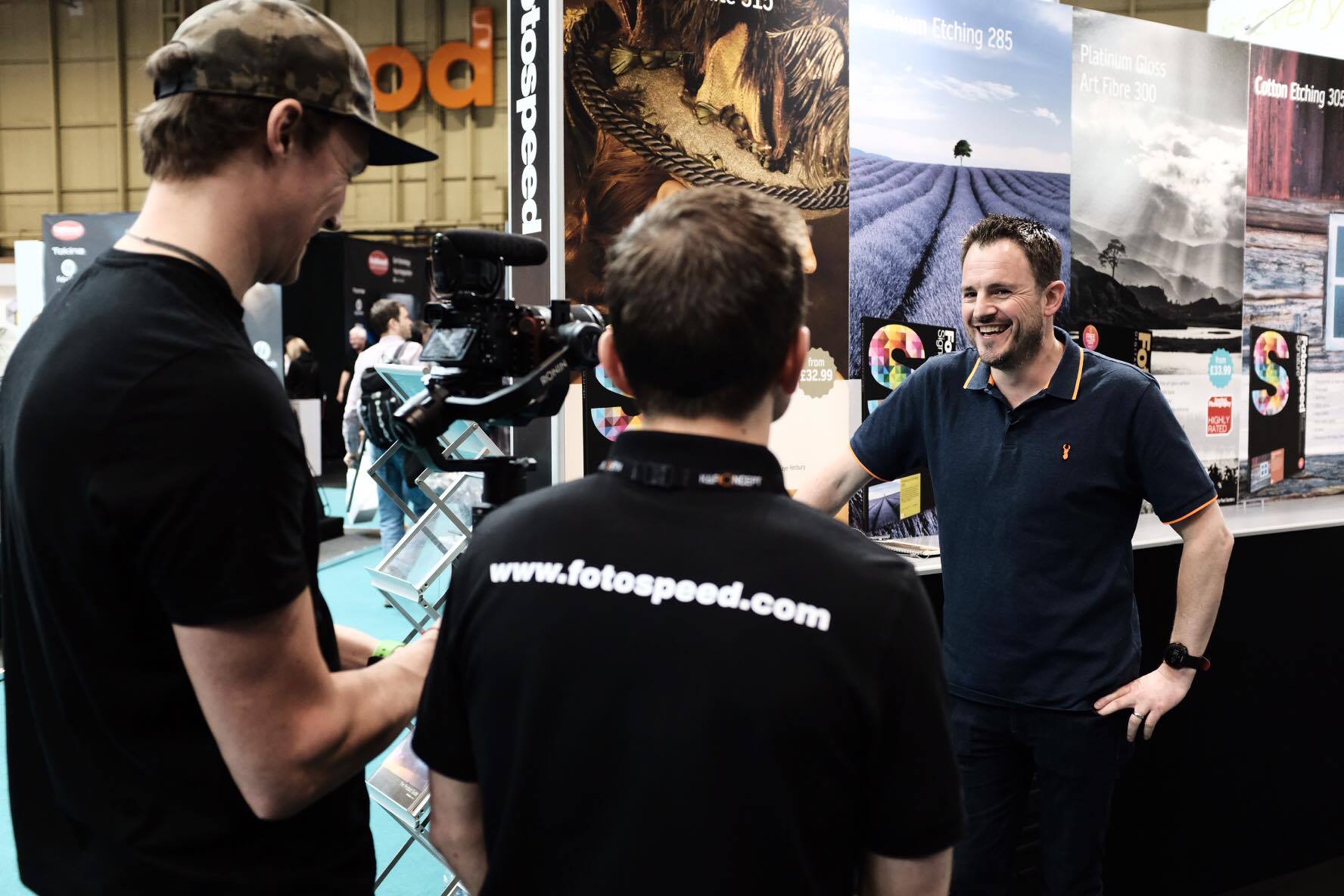
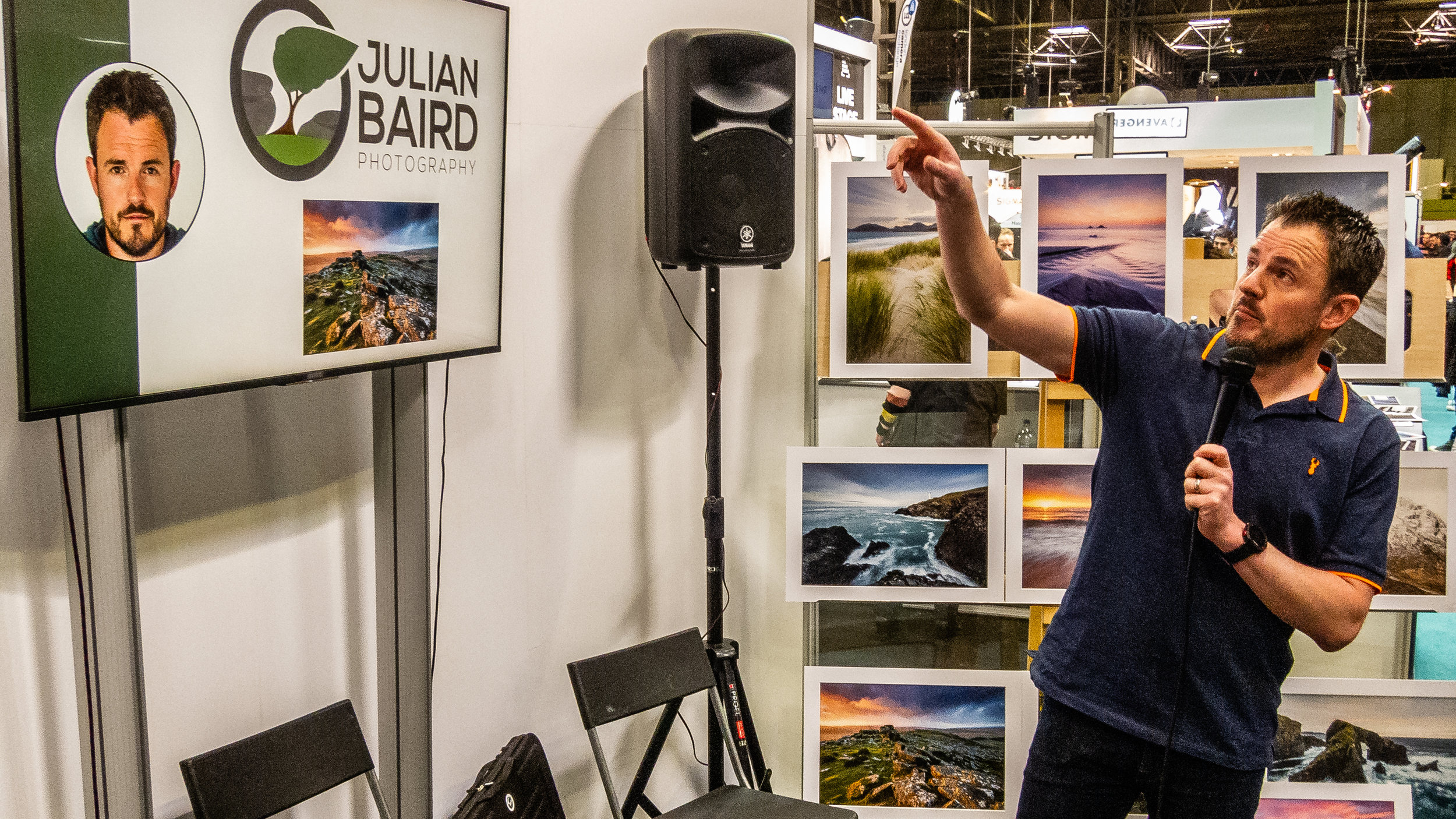
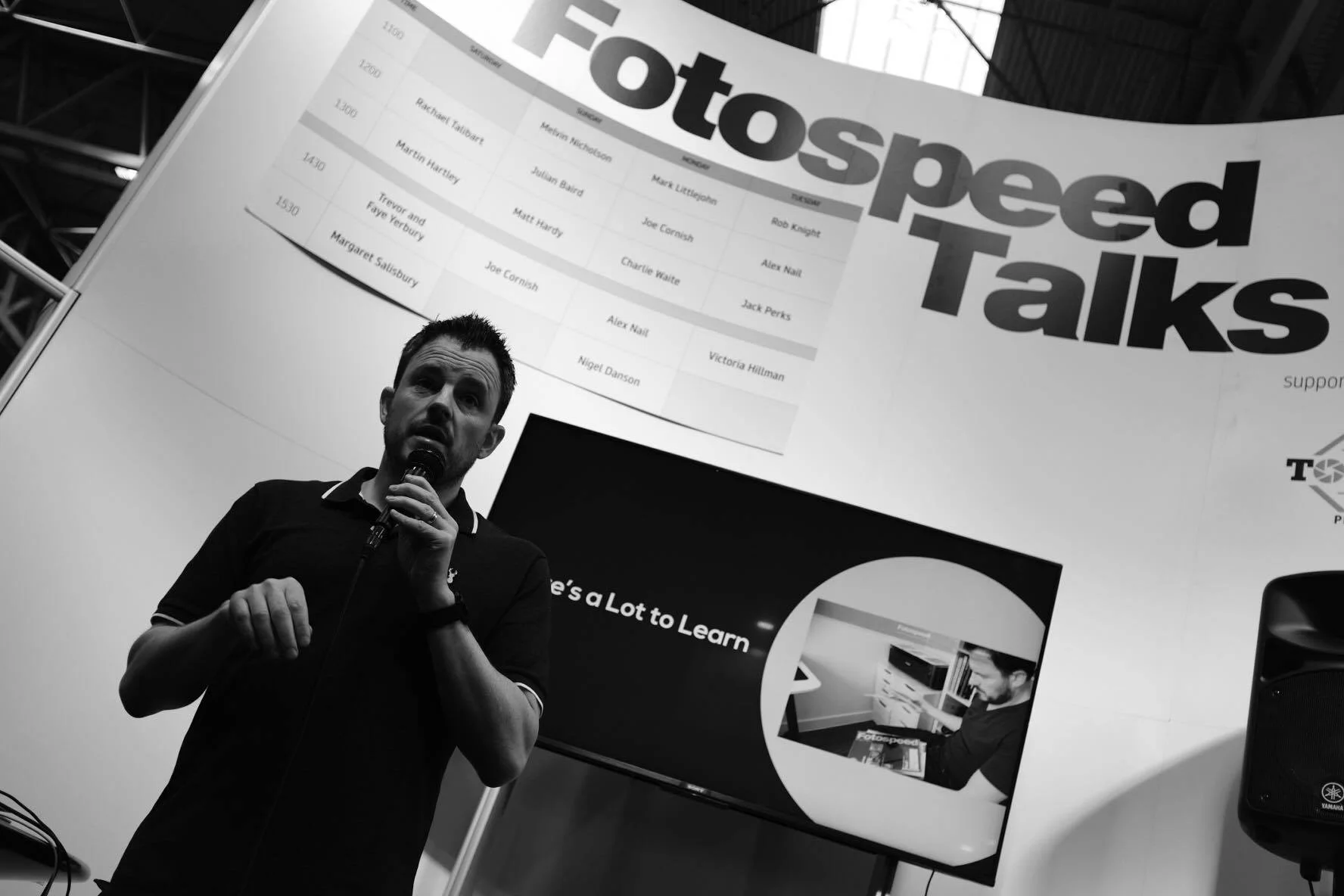
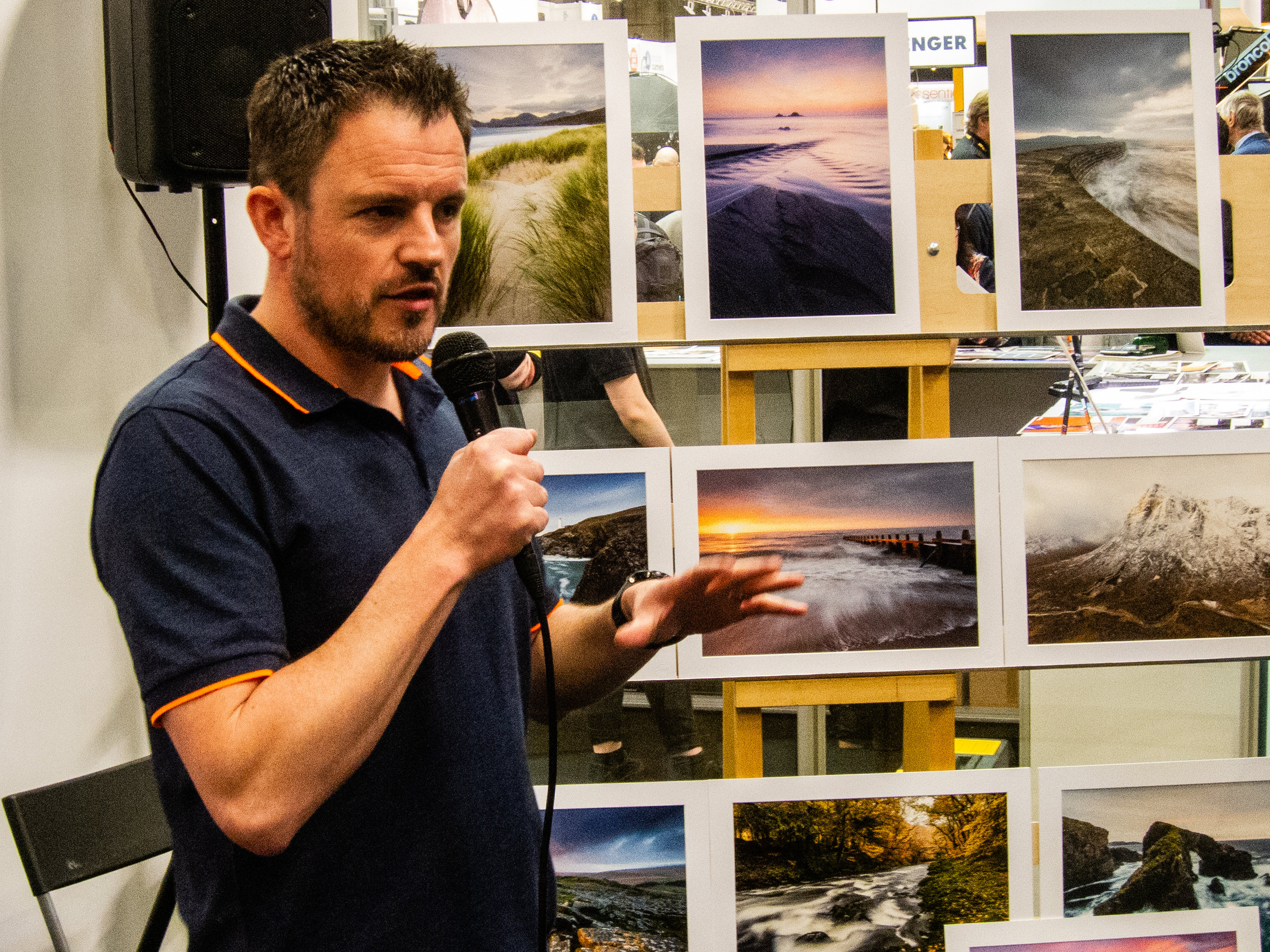
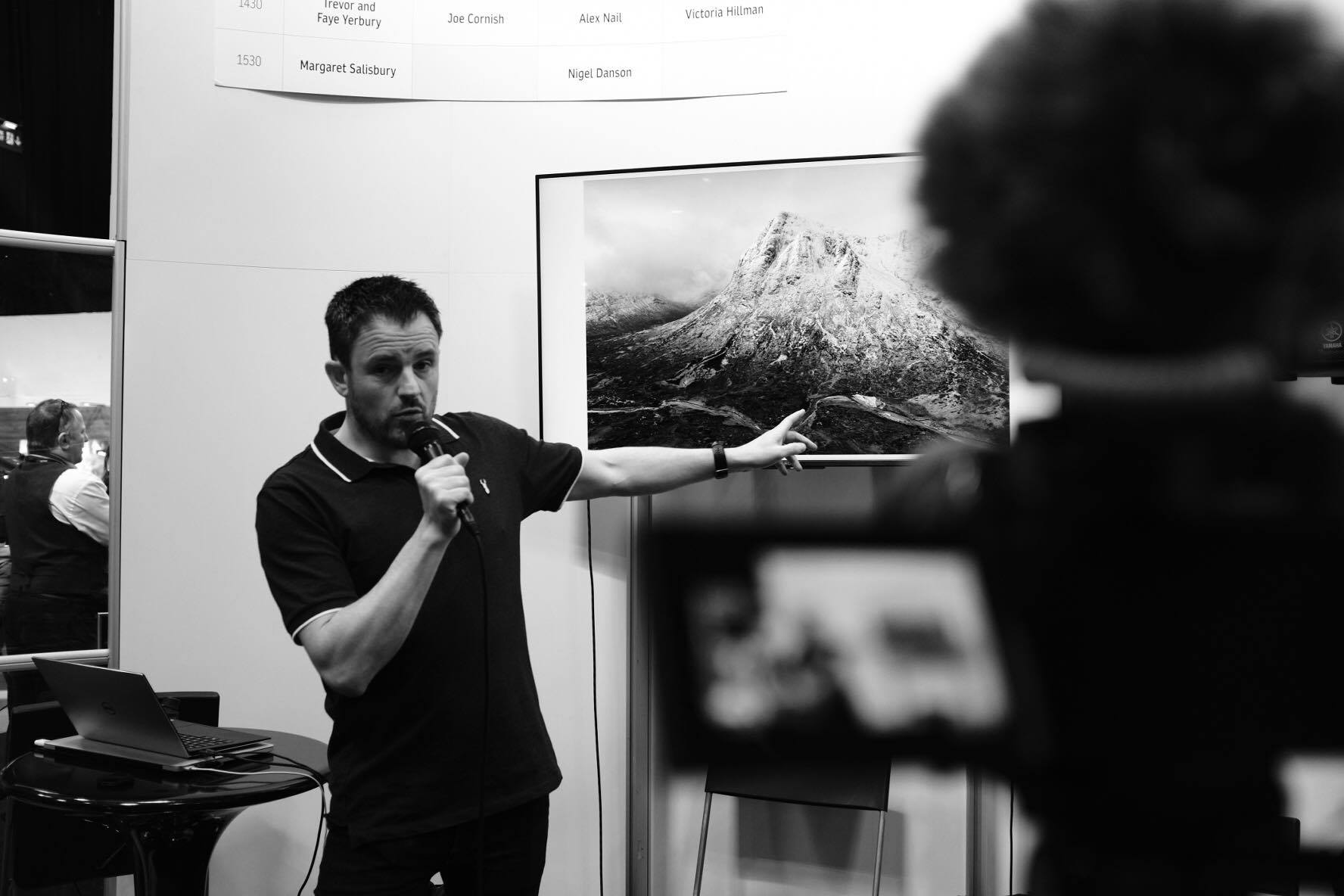
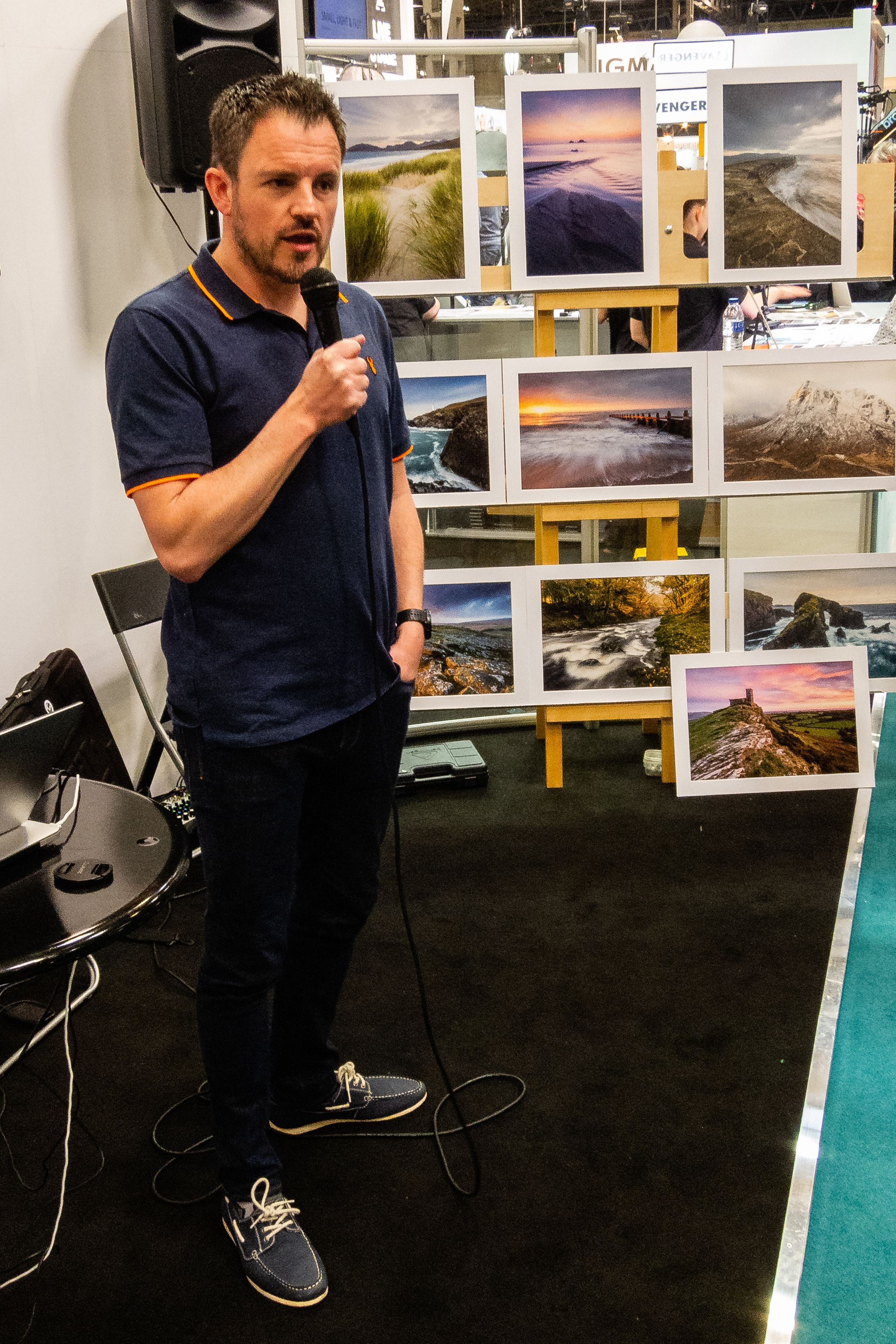
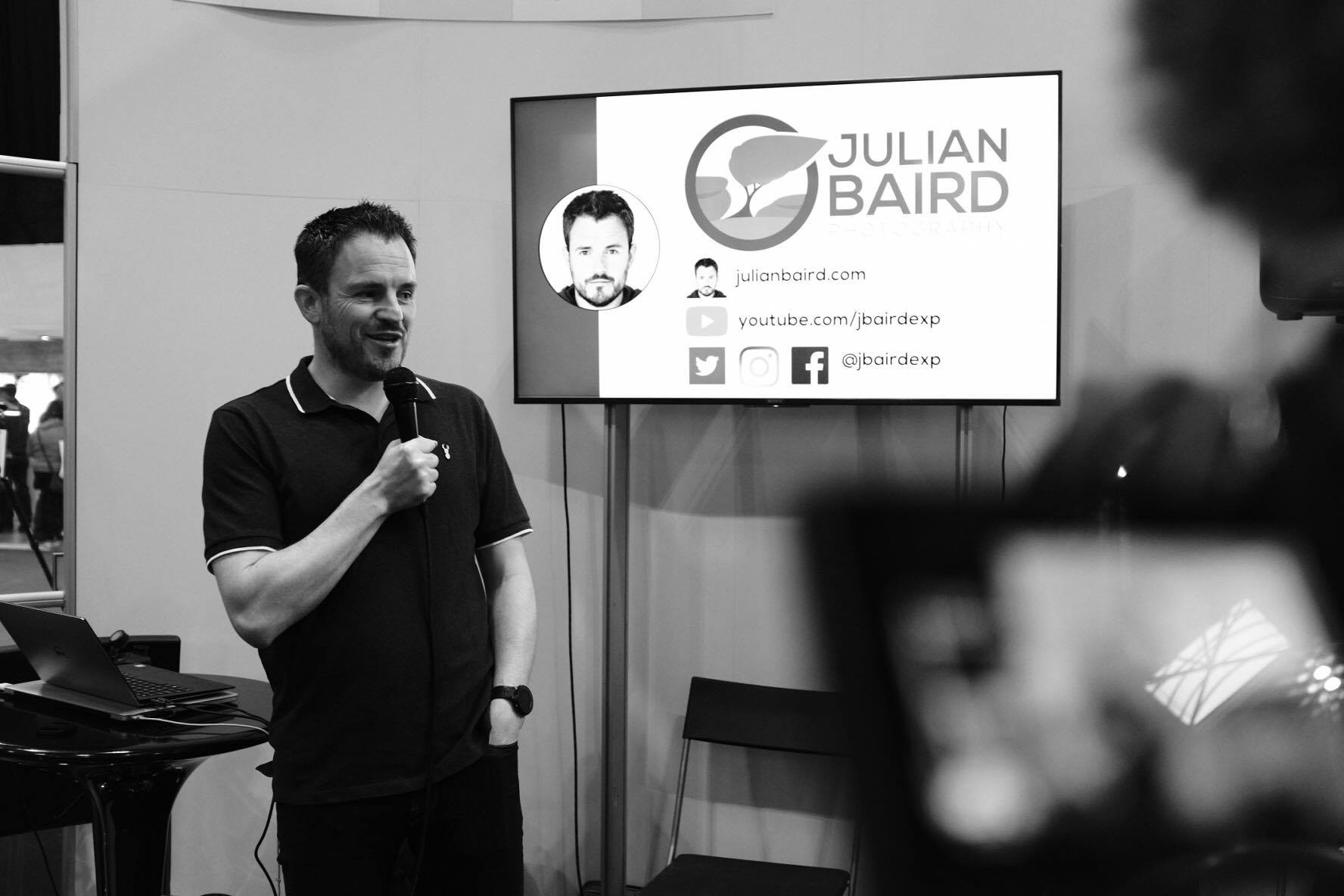
So if you missed my talk at the show, or you did catch it and perhaps want to see it again, here is an unabridged recording. Enjoy!
On The Fotospeed Stage
Presenting a talk on printing wasn't the only thing I did at the Fotospeed stand. I was also asked to be compere for the weekend. This granted me the privilege of not only meeting some wonderful and interesting photographers but also a seat on the stage to listen and watch Rachael Talibart, Martin Hartley, Trevor & Faye Yerbury, Margaret Salisbury, Matt Hardy and Joe Cornish all talk about their photography. With such a breadth of skills and experiences brought by these photographers, it was little surprise that each talk inspired my photography in its own way.

On stage with Joe Cornish. Photo courtesy of Gareth Danks.
You can also see me discussing my time at The Photograph Show in this Fotospeed video.
Next Year at The Photography Show
I've attended The Photograph Show every year and it just gets bigger and better each year. From the variety of talks, the products on show and the number of people I get to have conversations with, it's now become an integral part of my photography calendar. One thing is for sure, I will be heading back to The Photography Show in 2020.
I do hope you enjoyed this blog post. Did I meet you at the show? Did you get to see my talk live? Did you enjoy the talk (recorded or live)? Let me know in the comments below.
PS - Trying Something New
As I was at The Photography Show all weekend I had some spare time on the Saturday evening so I decided to try a different genre of photography with a fellow vlogger. I'll be publishing the video for that soon, but can anyone guess what type of photography I was doing and who with?
PS - You can watch that video here.