
Printing and Framing a Special Landscape Photograph
Some landscape photographs just need to be printed and hung on the wall. In this blog post, I take a very special image, print it, frame it, and give it a permanent place on my wall.
Success in Scottish Landscape Photographer of the Year
Entering big photography competitions can seem like a waste of time. Some of these competitions can attract 1000's of entries, sometimes even 10,000’s of entries . Getting shortlisted can seem like an achievement sometimes. How do you create a winning image though? There's no easy answer to that question. Judging, even in the same competition, can vary from year to year. Just look at the winning images from Landscape Photographer of Year since it started. It's really hard to "know" what the judges are looking for.
However, there is one thing I do know. If I don't enter I certainly won't win anything! There is also one piece of advice I can share , and it's a piece of advice given to me by a photographer and photography competition judge. He told me that if you think you have a strong image then keep entering it into competitions year after year. Even if it doesn't get placed in one competition, it might in another. It's also worth entering the same image in the same competition a different year.
I've always remembered this bit of advice, so ever since I took the image of Stob Dearg (Buachaille Etive Mor) you see below, I've been entering it into competitions. This perseverance has finally paid off and the image has received a commended award in the Scottish Landscape Photographer of the Year competition. It's the 2nd time I've entered it into this competition, and 4th time in all competitions. So if you have a good image that you think could win an award, don't be put off by the first failure. Keep trying!!
First Light on Stob Dearg, Buachaille Etive Mor, Glencoe - Nikon D750, Nikkor 24-70 mm f/2.8 VR at 28 mm, f/11, 1/25th sec at ISO 100.
Printing and Framing
The image is one that I am immensely proud off and it brings back many happy memories of my adventure to Glencoe (which you can watch here). While it will be a real privilege to see it in the yearbook from the competition, I really wanted to make my own print of it, frame it, and give it a permanent place on my wall.
In the video below I show you how I went about printing the image, selecting a paper, framing it, and eventually hanging it on the wall.
If you are interested in doing something similar yourself, here are the products I used in the video:
Fotospeed Cotton 305 - https://www.fotospeed.com/Platinum-Cotton-305-Paper/groupproduct/2937/
Fotospeed Baryta 300 - https://www.fotospeed.com/Platinum-Baryta-300/groupproduct/1437/
Fotospeed Legacy Gloss 325 - https://www.fotospeed.com/NEW-Legacy-Gloss-325-Paper/groupproduct/3103/
Picture Frames Express - https://www.pictureframesexpress.co.uk/
Conservation Tape - https://www.pictureframesexpress.co.uk/picture-frame-supplies/tapes/74/
Picture Hanging Strips - https://amzn.to/2TWuE2l
I hope you enjoyed this video and blog post. Do you have any photography competition tips? How do you go about displaying your prints? Let me know in the comments below.

The Importance and Joy of Printing at Home
One of the highlights of my time at The Photography Show this year was doing a talk on printing at the Fotospeed stand. In this blog post, I'm very happy to be sharing with you the unabridged video recording of that talk.
Photography Show Talks - An Opportunity
I'm a firm believer that if a good opportunity presents itself that you should grab it with both hands. So when the team at Fotospeed asked if I'd like to do a talk at The Photography Show this year there really was only one answer to give. Yes!
The topic of the talk was up to me but I knew almost straight away that I wanted to talk about printing. Printing has become an integral and enriching part of the photographic experience for me. As regular readers of this blog and viewers of my YouTube channel will know I like to do my printing at home. I've owned a Canon Pixma Pro 10-S for a couple of years now and ever since I made my first print I've been addicted to hitting that print button.
I wanted this talk to be an opportunity for me to share that passion for printing at home. I wanted people to get excited about printing their own work, to have fun with it, and use it as a way to improve their photography. Most of all I wanted people to see that it's a much more rewarding experience viewing their photographs in printed form.
The Importance and Joy of Printing at Home
Thanks to my fellow photographers and friends I'm able to share with you a video of the entire talk I did which was called The Importance and Joy of Printing at Home. Gareth Danks kindly filmed the talk for me, and both Gareth and Chris Sale were good enough to take the still images you see in this blog post.
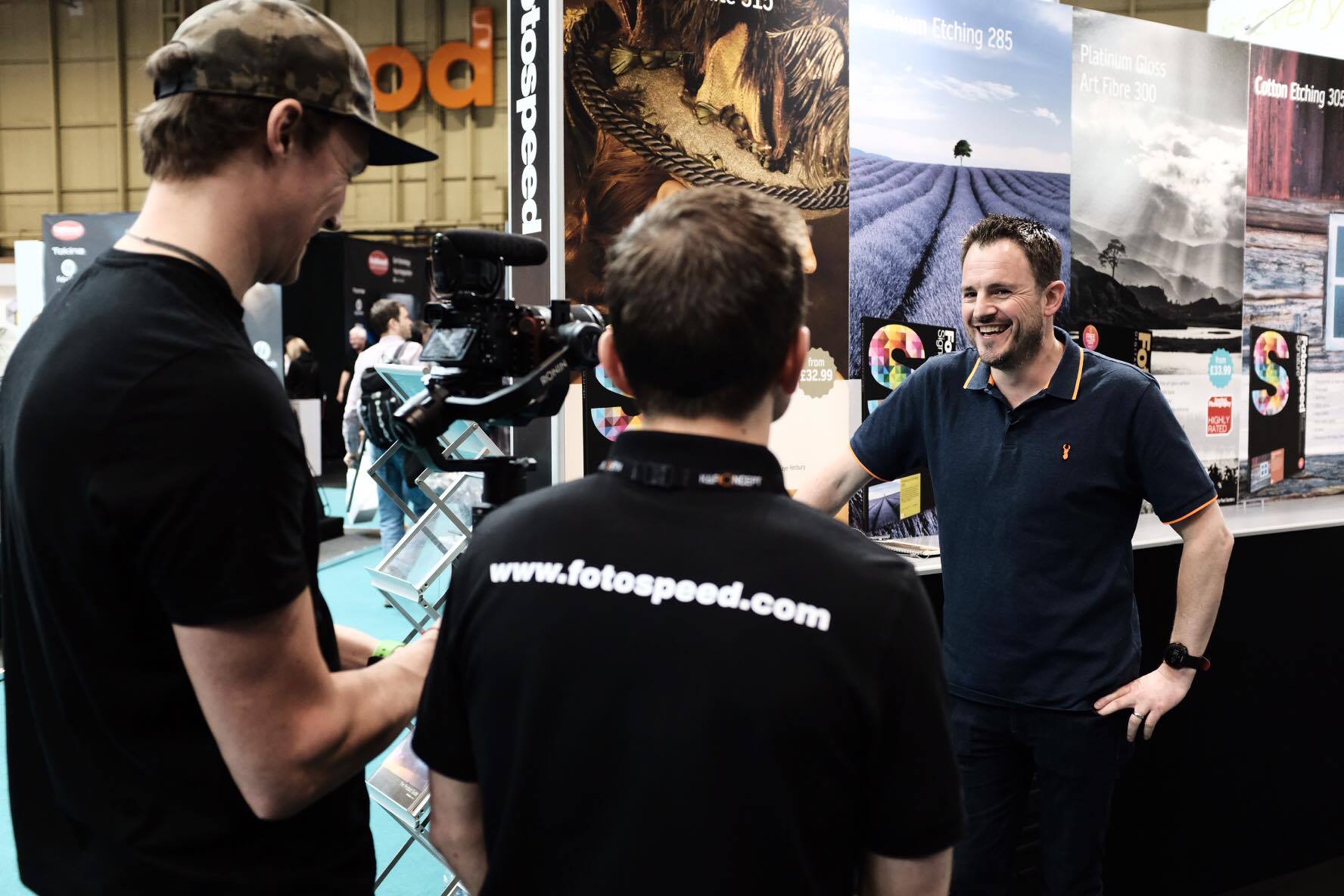
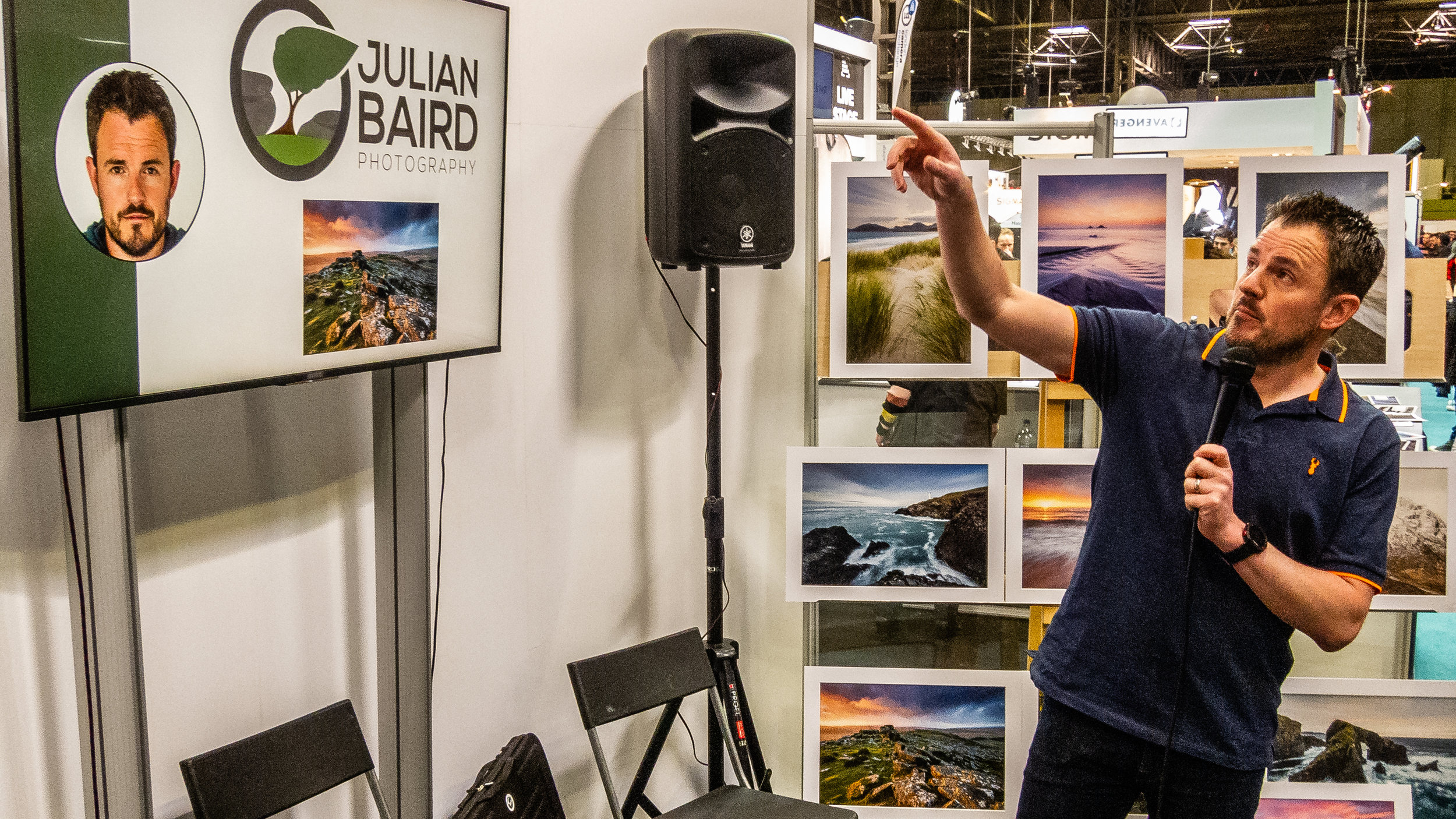
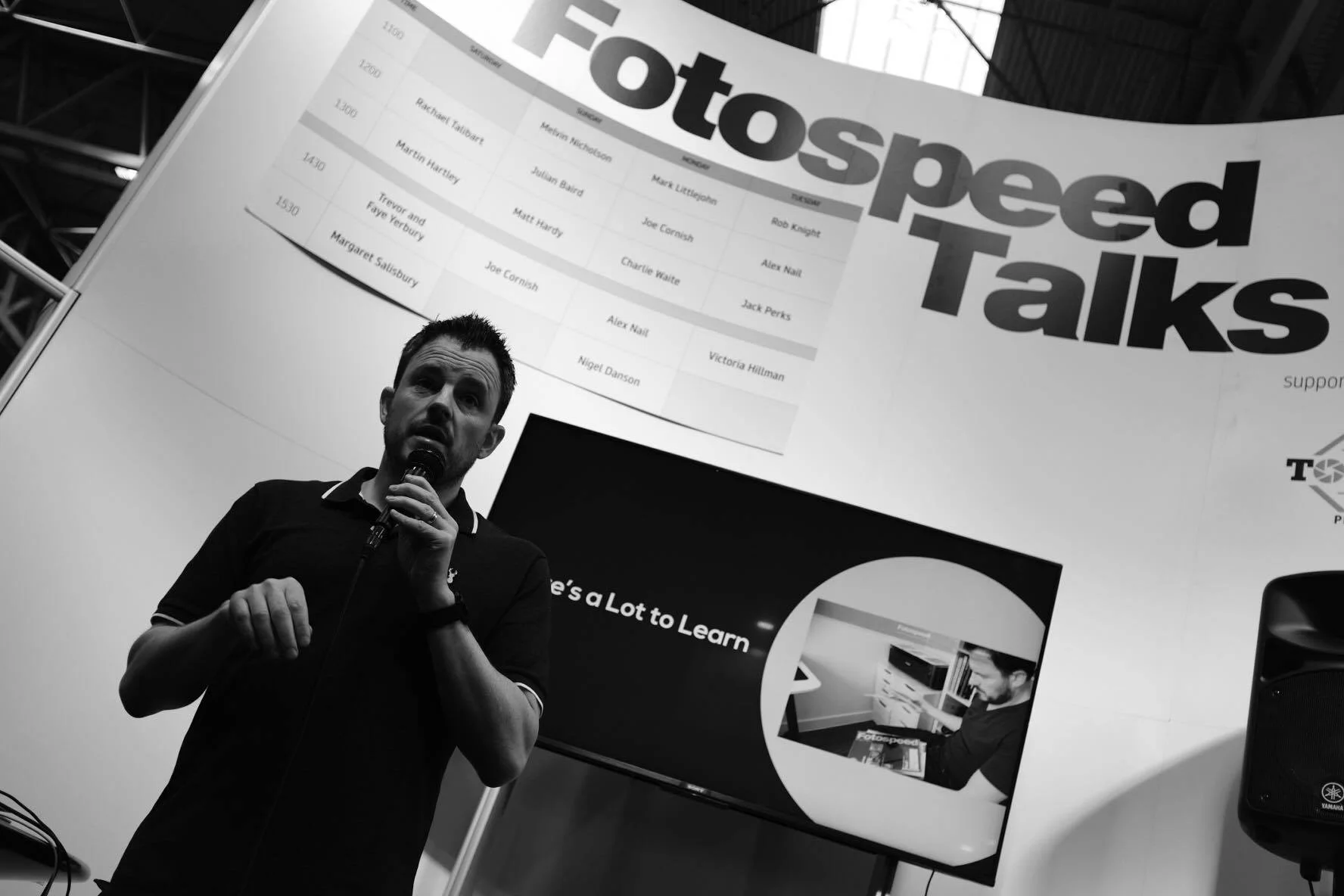
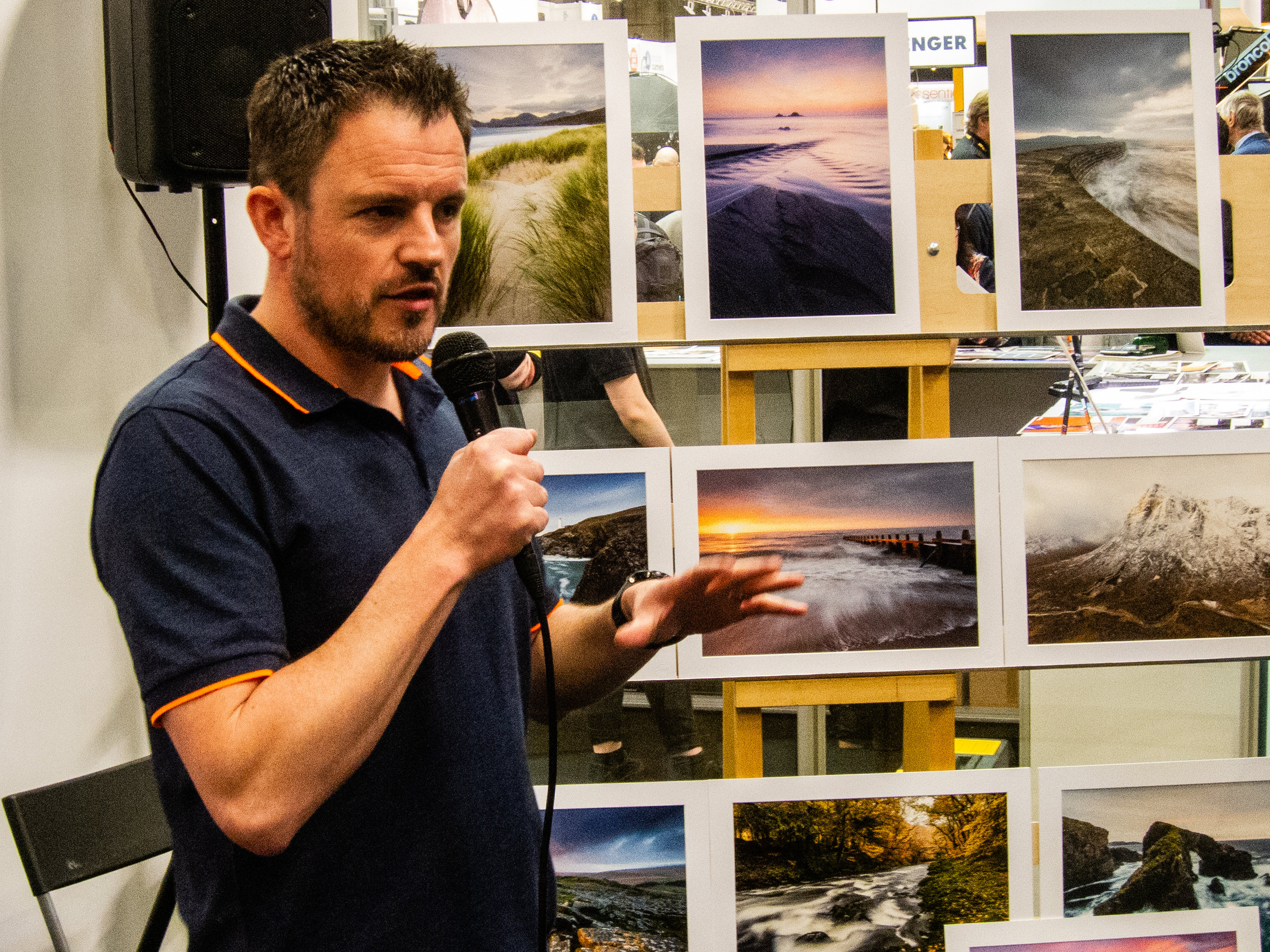
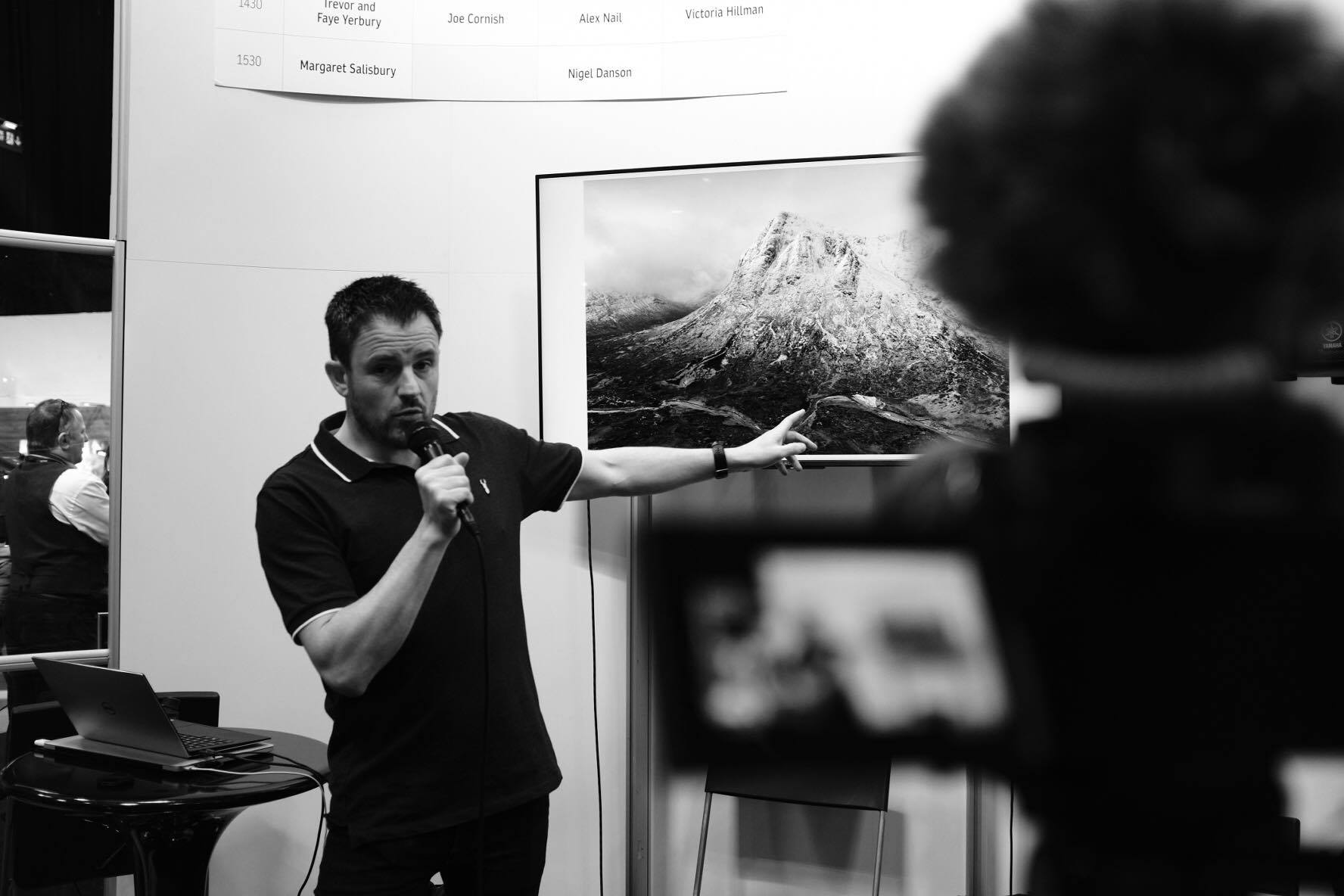
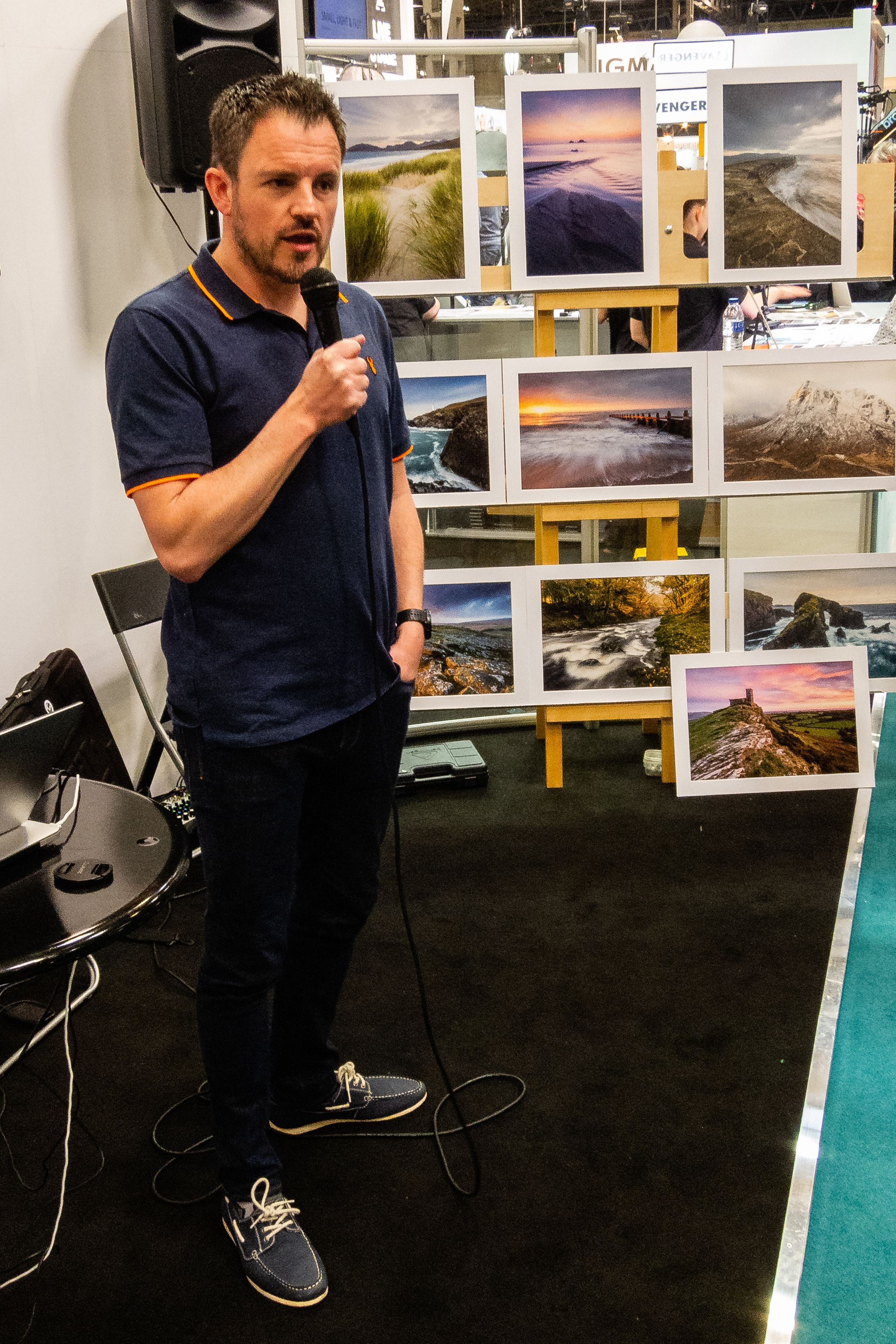
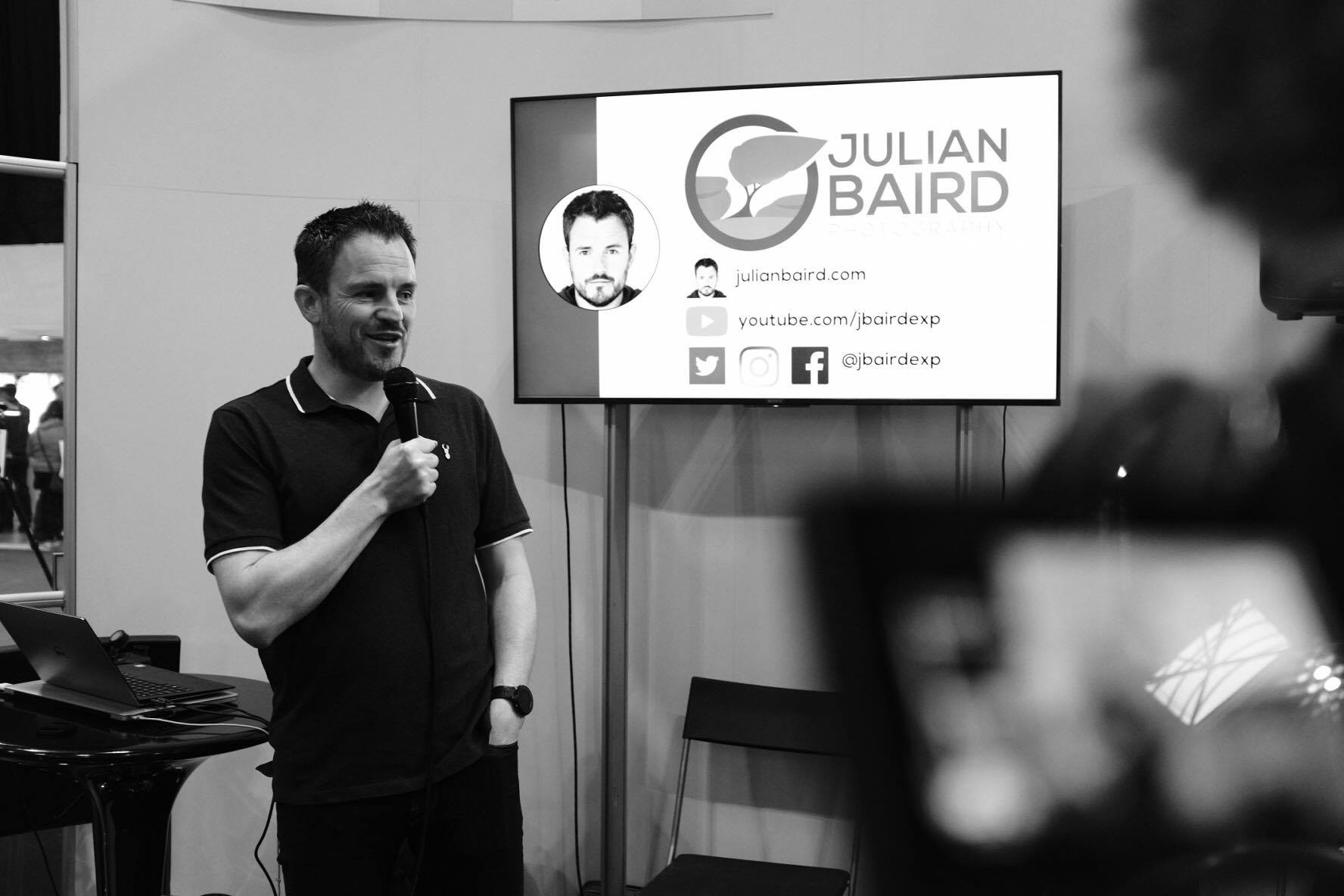
So if you missed my talk at the show, or you did catch it and perhaps want to see it again, here is an unabridged recording. Enjoy!
On The Fotospeed Stage
Presenting a talk on printing wasn't the only thing I did at the Fotospeed stand. I was also asked to be compere for the weekend. This granted me the privilege of not only meeting some wonderful and interesting photographers but also a seat on the stage to listen and watch Rachael Talibart, Martin Hartley, Trevor & Faye Yerbury, Margaret Salisbury, Matt Hardy and Joe Cornish all talk about their photography. With such a breadth of skills and experiences brought by these photographers, it was little surprise that each talk inspired my photography in its own way.

On stage with Joe Cornish. Photo courtesy of Gareth Danks.
You can also see me discussing my time at The Photograph Show in this Fotospeed video.
Next Year at The Photography Show
I've attended The Photograph Show every year and it just gets bigger and better each year. From the variety of talks, the products on show and the number of people I get to have conversations with, it's now become an integral part of my photography calendar. One thing is for sure, I will be heading back to The Photography Show in 2020.
I do hope you enjoyed this blog post. Did I meet you at the show? Did you get to see my talk live? Did you enjoy the talk (recorded or live)? Let me know in the comments below.
PS - Trying Something New
As I was at The Photography Show all weekend I had some spare time on the Saturday evening so I decided to try a different genre of photography with a fellow vlogger. I'll be publishing the video for that soon, but can anyone guess what type of photography I was doing and who with?
PS - You can watch that video here.

Giving the Gift of Photography
In this blog article I show you how I print and package my photographs before sending them out to clients.
The Gift That Keeps Giving
There’s no doubt that my trip to Lewis and Harris last year, was my 2018 photographic highlight. Being able to immerse myself in photography in such an epic location was amazing. Not only did I get some wonderful images from the trip, but I also got to make a video of my trip, and create a home gallery of the images I captured. It’s fair to say it was a pretty successful trip!
While I was in Harris, I stayed at a really nice property that my friend and I rented for the week. At the time, I thought it would be really nice to offer the owner a print of one of the images I captured on the trip. They might just like a print of a local spot to display on the wall. When I got home and I’d processed all of the photographs, I sent an email to the owner and asked if they would like a print. To my delight, they came straight back to me and said yes!
This was great news, but I didn’t just want to print an image and stick it in the post. I wanted them that have a bit of an experience when they received it. So I got my thinking hat on and got to work on how I was going to package my print.
In the video below, I’ll show you exactly how I’ve packaged my print and describe everything I’ve used to create my unique Julian Baird Photography print experience.
What I Used
I used a number of products in the video, and if you are interested, I’ve listed them below:
Logo and card design by Neil Burnell - Fine Art Photography
An Experience Worth Repeating
All of this may seem a lot of work just to send one person a print, but this won’t be the last print I package and send out. I’m already printing and packaging another order, this time for one of the photographs taken in The Trossachs. It feels great to be able to share my work in this way and to know that people are displaying one of my images in their home.
I do hope you enjoyed this blog post and video. Do you do something similar with your photographs? What packaging do you use? Let me know in the comments below.
Print Giveaway!
At the end of the video, I said I was giving away one of my prints! The lucky winner can choose an A4 print from any image in my portfolio or from my Harris and Lewis collection, and I will package it up in the same way as you saw in this video.
All you need to do is to leave a comment on this blog article with the text “I Love Printing”, and you will be included in the draw. Draw closes on 31st March 2019. Good luck!

Can You Print Images Captured from a Drone?
In the blog this week I look at printing images that were captured using a drone. Is there sufficient resolution and quality to justify making a print?
Capturing a Panoramic Image with a Drone
I'm a big fan of drones. I think they are an amazing bit of technology. Though I've taken still photos with my drone before, it is the video features that I use the most. The aerial footage you can insert into a vlog really helps tell the story of the location.
A few weeks ago though I published a video called Creating Panoramic Images of Glen Etive with a Drone. In the video, I used the drone to capture a big panoramic image of the Loch Etive area where I was staying on holiday. It was an image that I couldn't have captured if it wasn't for the drone.
Can You Print an Image Captured from a Drone
When the video was published a few people asked the question about how the image looked in print. After all, the camera sensor in a drone like the DJI Mavic Pro is nowhere as advanced as the sensor in my D850. However, does that mean that the images from a drone aren't worth printing?
As I'd never printed an image captured on one of my drones before I thought it would be a good time to find out. So, can you print an image captured from a drone? Let's find out.
As you saw in the video, it was more of a question of is their sufficient quality from a drone image to justify making a print. I think the answer is definitely yes. As long as the image is well composed and has good light, there is more than enough detail in the DNG files captured on a DJI Mavic Pro to justify making a print.
In the video, you also saw me try out a paper that I haven't used before. It was the Fotospeed Smooth Cotton 300. I really like this paper and this was my first time making a large print on a matt paper. You can really feel the weight of the paper and the surface has a real feel of quality about it. I think I'll need to try a few more prints using some of the matt papers I have in my Fotospeed Matt Smooth Test Pack.
So do you own a drone? Do you take still images with it? Have you ever printed a drone image? Let me know in the comments below.
Loch Etive Panorama - Taynuilt, Argyll: DJI Mavic Pro, 1/125th sec at f/2.2, ISO 100, 26mm (35mm equiv'), stitched from 9 DNG files
Some of the links used in this article are Amazon affiliate links. By buying through the links I may receive a commission for the sale. This has no effect on the price for you.

Discovering the Joy of Printing
In my this blog post and video I tell you why I have decided to start printing my work and what it was like to print my first A3 image using a Canon Pixma Pro-10s printer.
Why Print?
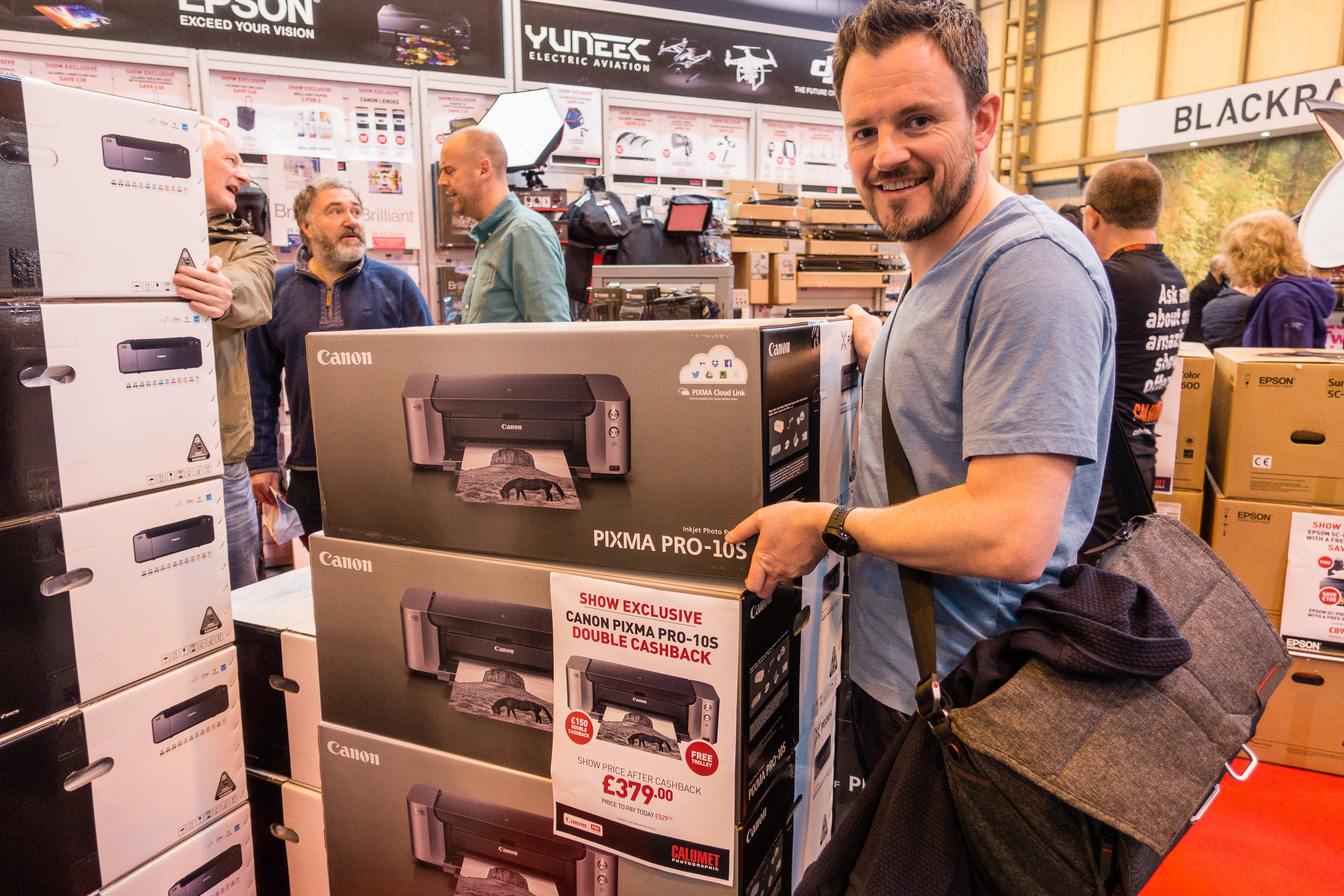
I was at The Photography Show at the Birmingham NEC a few weeks ago and while I was there I picked up a Canon Pixma Pro-10S printer. Every year I hope to pick up a bargain from the show and this year was no different. When I saw that Canon was offering double cash back on their range of Pixma Pro printers I went straight to the Calumet stand and grabbed myself Pro-10S.
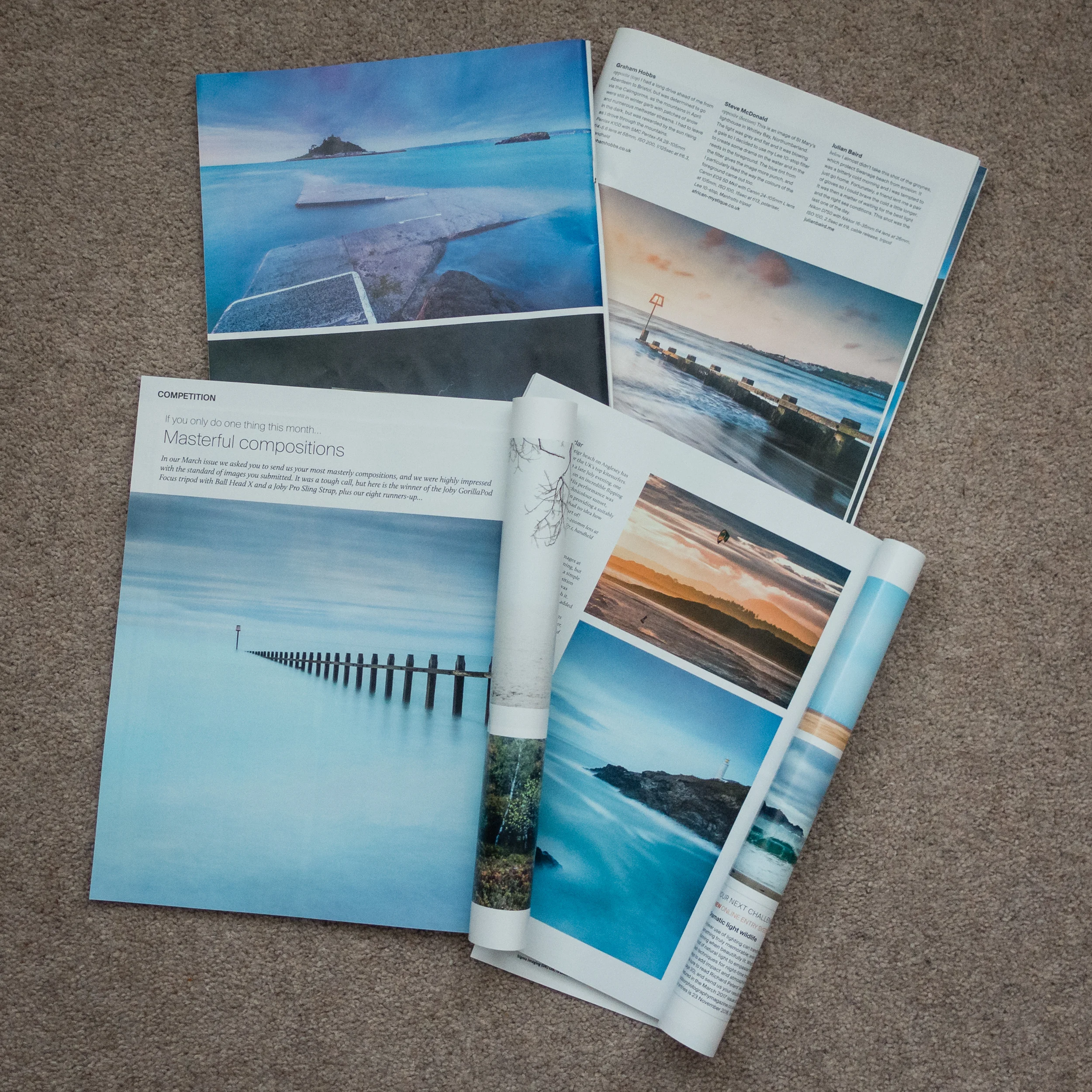
Though this may sound like a spontaneous decision, it was not. For at least a year now I've wanted to extend my workflow to include printing. There are a couple of reasons for this decision. Firstly, seeing some of my images printed in Outdoor Photography magazine has made me realise how wonderful it is to see one of your images in print.
I have also been influenced by a couple of photographers that I follow online that are big proponents of printing, Martin Bailey and David duChemin. Martin wrote and excellent ebook on printing Making the Print and David has an excellent video on Ideas for Living With Your Photographs.
I wanted to live with my work a bit more. Why should my images gather dust in a digital archive? I want to see what my images looked like in physical form.
Printing at Home
So why would I go to all the hassle of printing at home? Why not just send the images to a lab and have a professional do it? This is a valid question but for me, half the fun is the process of the print. There is a sense of excitement as the printer slowly prints out one of your images. The anticipation of seeing the final result. Printing is the last step in a complete end to end photography workflow that starts with capture and ends in print.
This isn't to say that I wouldn't use a lab. Labs are great, especially if you need an unusually large print, need framing or need to print on other materials. But for me, I want that tangible experience of doing the print myself and hanging it on my wall.
What about the cost? Isn't printing at home expensive? I'll be absolutely honest with you, I have not concerned myself with how much each print will cost. That's not to say that I don't care, it's just that the cost per page isn't something that has influenced either my decision to print at home or the decision to buy this specific printer.
I've always owned Canon printers and my current office printer is a Canon so I was very comfortable with my decision to buy the Canon Pixma Pro-10S. Also, given the volumes of printing that I was going to do, I could treat myself to an A3 print every now again. Compared with all the other money I have spent on photography over the years, the cost of a print seems a small price to pay to further my enjoyment and experience of photography.
My First Print
I was excited to make my first print with my Canon Pixma Pro-10S. One of the first things I needed to do was to get some paper. There is a dizzying range of paper types and sizes out there. I thought I would make my life easy to start with by selecting from Canon's own range of pro papers. After watching David Noton's videos on A guide to Fine Art and Photo Printing and Fine Art and Photo Printing I knew the Canon paper types would already have the relevant ICC profiles installed which should make my first print easier. He also made some good suggestion on which paper types to use.
So I got onto Amazon.co.uk and ordered some Canon Pro Platinum A4 and A3+ glossy paper. I was ready to start printing. If you want to see how I got on with my first print, from setup to final output, I've made a short video of my experience.
Impressive, Fun and Simple
To say that I was impressed by the output would be an understatement! The accuracy of the print compared to what I saw on the monitor was remarkable. The colours, tones and contrast all looked amazing on the glossy A3 paper. My black and white image from my Live Music portfolio was also stunning with the printer producing a punchy and detailed print.


I was also pleased how simple it was to make a successful print. I was already calibrating my monitor but I was worried that I might have to extend that to include printing, but Getting an accurate print was no more difficult than selecting the correct paper type in the Canon Print Studio Pro.
However, almost as important as the quality and simplicity of the process was that it was fun. There really was something very special about watching one of your favourite images gradually appear from the printer. When I held up that first print to the light I realised that I had definitely made the right decision to get into printing. The whole experience of looking at your images in print is so vastly different from seeing them on a monitor, even one as good as my Eizo monitor. Printing now as a permanent home in my photography workflow and I can't wait to print more of my images.
So do you print your work? Do you print at home or use a lab? Let me know in the comments below.