
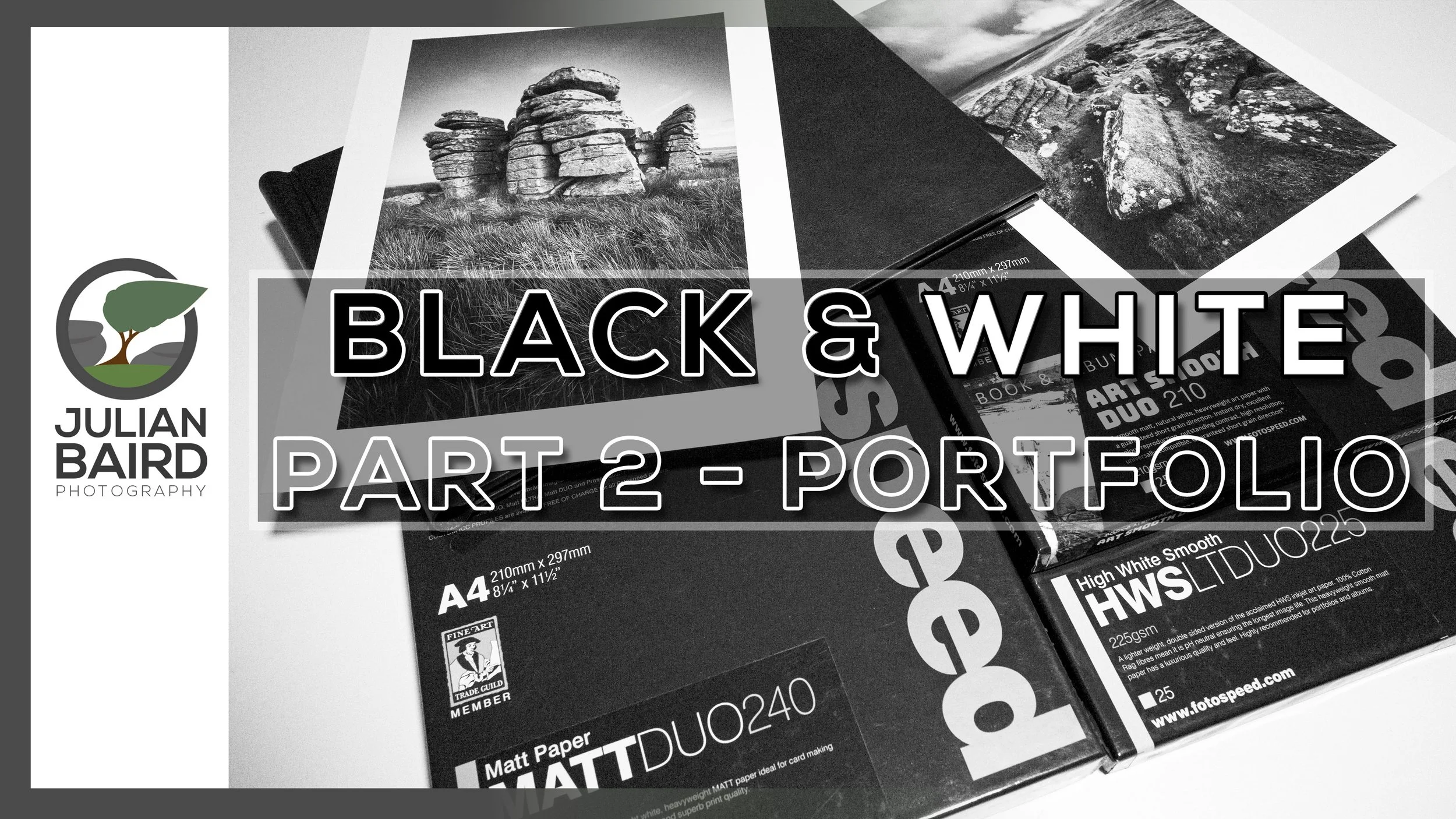
Creating a Black and White Landscape Portfolio with Fotospeed DUO Papers & Spring Back Binders
In this video I continue my exploration of black and white landscape photography by creating a portfolio of prints using Fotospeed DUO papers and a Fotospeed Spring Back Binder.
Black and White Landscape Photography - Part 2
A few months ago, I published a video where I talked about my journey as a black and white landscape photographer. Something I never thought I would say, but hey, we all grow and change as photographers. Don’t get me wrong, I’m not exclusively a black and white photographer now, it’s just that capturing black and white while on location is something I now think about.
In this follow up video I’m going to take a selection of the black and white photographs I’ve been capturing and printing them to make my first black and white landscape photography portfolio. It was something I always intended on doing and I’m very happy with the results. Watch the video below to find out why!
Useful Links and Information
Watch Part 1
🎞️ Watch The Dance of Light and Shadow - How Black and White is Changing My Landscape Photography - Part 1
Fotospeed Papers
Use the discount code Julian15 and get 15% off Fotospeed papers at Fotospeed.com
🛒 Purchase Fotospeed Art Smooth DUO 210 - https://fotospeed.com/fotospeed-art-smooth-duo-210-short-grain.html
🛒 Purchase Fotospeed High White Smooth Lite DUO 225 - https://fotospeed.com/high-white-smooth-duo-225.html
🛒 Purchase Fotospeed Matt DUO 240 https://fotospeed.com/matt-duo-240.html
🛒Fotospeed Spring Back Binders - https://fotospeed.com/presentation/springback-binders.html
More of my printing videos worth watching:
🎞️ Fotospeed Spring Back Binders
🎞️ My Canon Pro-1100 review and setup video
Other Useful Links
🔗 Fotospeed Art of Printing eBook - https://fotospeed.com/ebook/artofprinting
🔗 Fotospeed Generic Profiles for the Canon Pro-1100 - https://fotospeed.com/profiles/printer/ink/ink/62/
🔗 Fotospeed Custom Profiling Service - https://fotospeed.com/support/
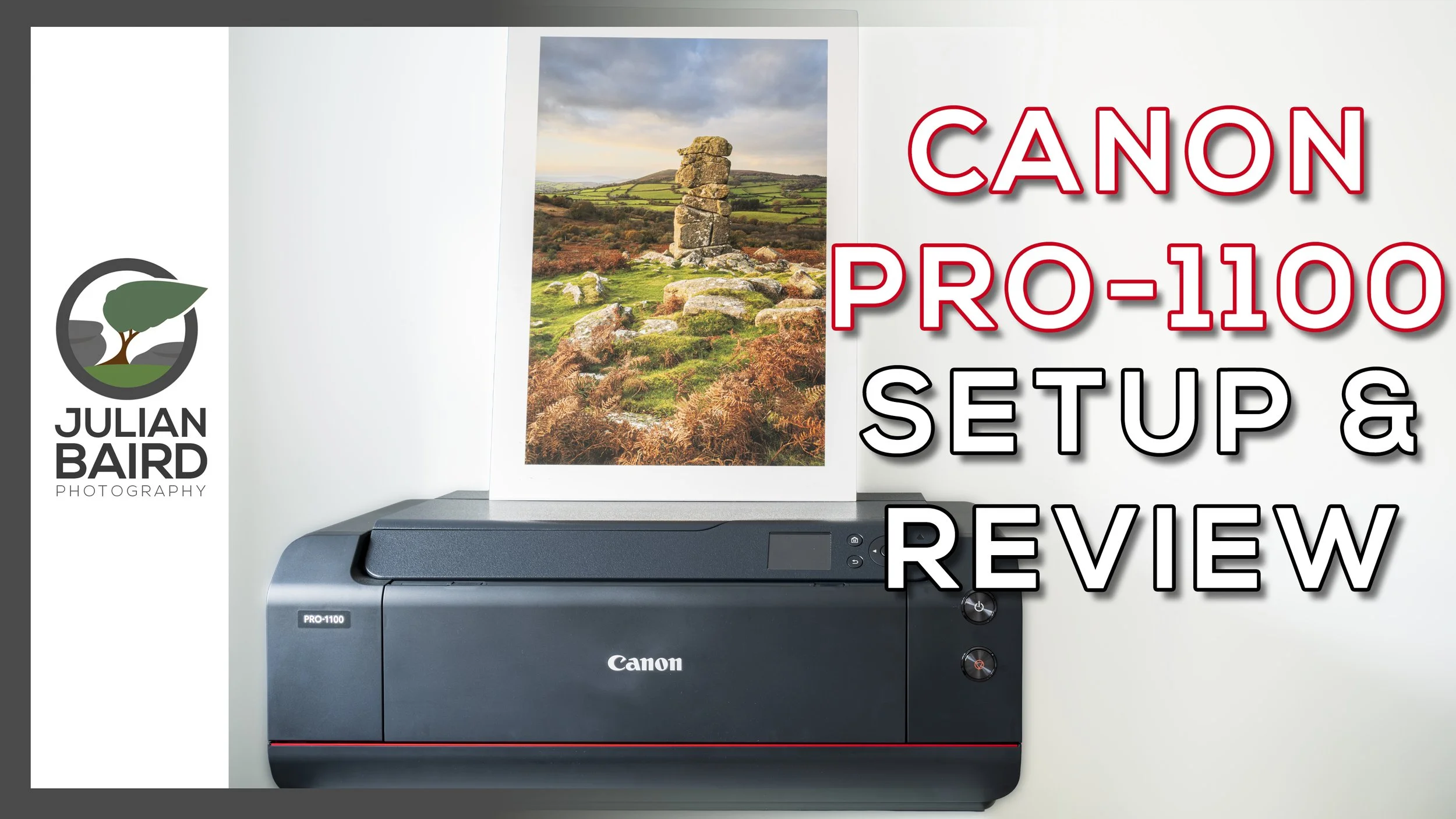
Canon imagePROGRAF PRO-1100 Review and Setup Guide
Are you thinking about purchasing the Canon imagePROGRAF PRO-1100? Or have you just purchased it and want to know how to set it up? In this video I’ll show you how to set it up, make your first print, use ICC profiles, talk about ink costs and give you some ideas for displaying your prints.
Going Bigger and Being More Cost Effective with the Canon imagePROGRAF PRO-1100
If you’ve been reading this blog or watching my YouTube channel over the years you’ll know what a passion I have for printing. My love for printing was further fuelled at the weekend when I attended and hosted Fotofest in Bristol. It was a fantastic event and being in a community of like-minded photographers reminded me of how important printing is to so many people.
A few months ago I changed from a Canon imagePRO-GRAF PRO-300 to the new Canon imagePROGRAF PRO-1100. There was nothing wrong with the print quality of the Pro-300 but I wanted to have the capability to print A2 and to make my ink consumption more cost effective.
Over those last few months, I’ve been putting the printer through it’s paces and I’m now ready to share my PRO-1100 video. So no matter if you are thinking about purchasing a Canon imagePROGRAF PRO-1100, or have you just purchased one and want to know how to set it up, my video should have you covered. In my video -
I'll share the key details on the Pro-1100.
Tell you why I bought it and where from
Show you how to set both the hardware and software
Talk you through how to make your first print
How to manage paper types and ICC profiles using Canon’s Media Configuration Utility
Show you how to find out how much your prints cost using Canon’s Accounting Manager software
I’ll Print some glorious A2 images
Show you some options for displaying your prints.
And finally share my thoughts and comments on this printer
I hope you found this video useful. If you did or just have a question or comment, do let me know below in the comments section.
You can of course expect lots more printing content from me, so please make sure you stay tuned to my YouTube channel and the blog. Thanks for watching and all just below you’ll find links to everything I mentioned in the video,
Useful Links from the Video
Purchase the Pro-1100, Inks and Tech Specs
🛒 If you are considering a purchase of the Canon imagePROGRAF PRO-1100 you can do so from Fotospeed - https://fotospeed.com/canon-pro-1100-a2-printer-12-inks.html
🛒 Canon Pro-1100 inks - https://fotospeed.com/printers-inks/desktop-printer-inks.html?default_brand=Canon&dit_printer=Canon%20Pro%201100
🔗 Check out the full specifications of the Canon imagePROGRAF PRO-1100 - https://www.canon.co.uk/printers/imageprograf-pro-1100/
More of my printing videos worth watching
🎞️ Fotospeed Spring Back Binders - https://youtu.be/IRXr6VuRYwE
🎞️ Designing a Custom Frame from Picture Frames Express - https://youtu.be/FJYOckTLbyA?si=RSoVSVb7z6Ii91gu&t=443
🎞️ How to Become a Fearless Printer - https://youtu.be/mbB1WdLFF_s?si=pI620VKr0qnXEXix
🎞️ Using a Nikon D80 to Create an A3+ Print - https://youtu.be/6X_vK5lts5c
🎞️ Why and How I Calibrate My Monitor - https://youtu.be/ozPuGrXQfeU
Other Useful Links
🔗 Fotospeed Generic Profiles for the Canon Pro-1100 - https://fotospeed.com/profiles/printer/ink/ink/62/
🔗 Fotospeed Custom Profiling Service - https://fotospeed.com/support/
🔗 Fotospeed Art of Printing eBook - https://fotospeed.com/ebook/artofprinting
🔗 ICC Profile Toolkit - https://icc-profile-toolkit.software.informer.com/
🔗 Canon PRO-1100 sotware including Professional Print & Layout, Media Configuration Utility, and Accounting Manager - https://www.canon.co.uk/support/business/products/wide-format-printers/imageprograf/pro-series/imageprograf-pro-1100.html
Papers Used in this Video
Use the discount code Julian15 and get 15% off Fotospeed papers at Fotospeed.com
🛒 Fotospeed Test Packs - https://fotospeed.com/paper/test-packs.html
🛒 Fotospeed PF Lustre 190 - https://fotospeed.com/lustre-190.html
🛒 Fotospeed NST BW 315 - https://fotospeed.com/nst-bright-white-315.html
🛒 Fotospeed Smooth Cotton 300 - https://fotospeed.com/smooth-cotton-300.html
🛒 Fotospeed Platinum Cotton 305 - https://fotospeed.com/platinum-cotton-305.html
🛒 Fotospeed Natural Smooth 310 - https://fotospeed.com/fotospeed-natural-smooth-310.html
🛒 Fotospeed Legacy Gloss 325 - https://fotospeed.com/legacy-gloss-325.html
🛒 Fotospeed Matt Baryta 310 - https://fotospeed.com/fotospeed-matt-baryta-310.html
🛒 Fotospeed Platinum Baryta 300 - https://fotospeed.com/platinum-baryta-300.html
🛒 Fotospeed Panoramic Paper - https://fotospeed.com/papers/panoramic-papers.html
🛒 Canon A3 Pro Luster Photo Paper - https://amzn.to/4g6dINz
🛒 Canon GP-501 Glossy Photo Paper 4x6"/10x15cm (100 Sheets) - https://amzn.to/3I3i1fW
Print Display Options
🛒 Fotospeed Spring Back Binder - https://fotospeed.com/presentation/springback-binders.html
🛒 A2 White Self-Adhesive Foamboard - https://amzn.to/4oVsqLc
🛒 A3 Self-Adhesive White Foamboard - https://amzn.to/4m0EWGP
🛒 A4 White Self-Adhesive Foamboard - https://amzn.to/4lSwLvX
🛒 3M Command Picture Hanging Strips - https://amzn.to/4p3SYtT
🛒 Picture Frames Express - https://www.pictureframesexpress.co.uk/
🛒 Ikea MOSSLANDA Picture ledge - https://www.ikea.com/gb/en/p/mosslanda-picture-ledge-white-90292103/
🛒 Ikea Drawer unit on castors, white, 67x66 cm - https://www.ikea.com/gb/en/p/alex-drawer-unit-on-castors-white-80485423/
Please note that some of these links are affiliate links (but not paid links or ads). By buying through these links I may receive a commission for the sale. This has no effect on the price for you.
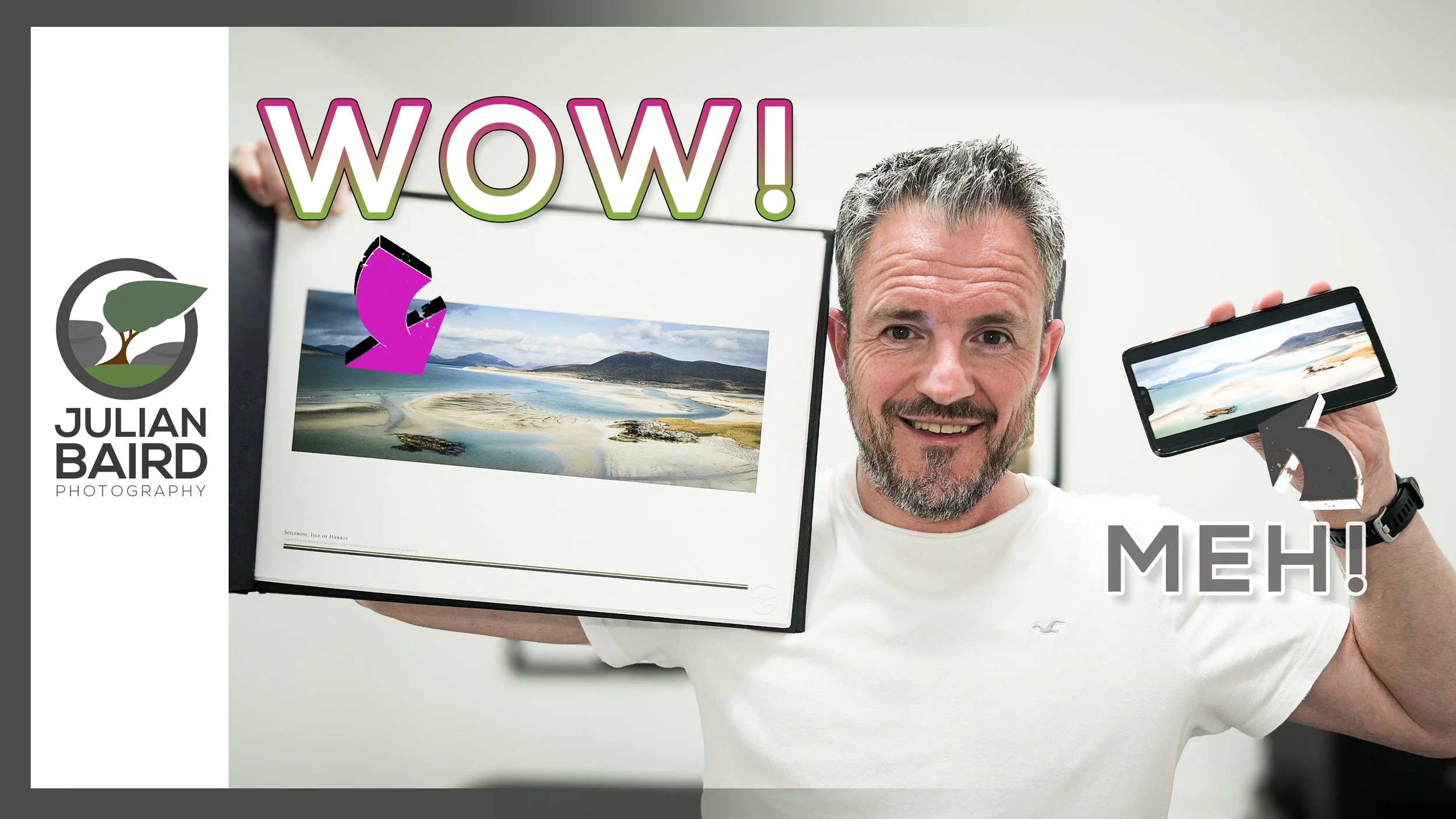
How to Showcase Your Prints with Spring Back Binders
Looking for a way to make your prints stand out? In this video I'll tell you how you can take your prints and present them in a way that will give them a WOW factor! I'll show you how I prepare my landscape photographs for print and then insert them into a Fotospeed Spring Back Binders. The result is the perfect way to showcase your photographs and make anyone looking at them go "WOW!".
Give Your Prints the WOW Factor
Over the years I’ve shared the various ways I display my landscape photography prints. The most impactful is the framed print, but for a larger body of work, a book or zine is also a great choice. Both options have pros and cons.
While I was on Harris & Lewis earlier this year a photographer showed me his portfolio of photographs displayed in a Spring Back Binder from Fotospeed. I was blown away! I thought it was such a wonderful way to view a collection of prints. Being able to look through a collection of hand-crafted prints was amazing. But the best bit, unlike a book or zine, is that you can add or remove prints anytime making it extremely versatile.
As soon as I got home, I knew I wanted to display my Harris and Lewis photographs in this way. So, I got to work editing my photos (not an easy task) and then selecting which photographs would feature in my printed collection. This time though I wasn’t going to print just the photographs, I would create a template that would add text and some of my branding to each print. Just to give it an extra bit of wow!
As I was doing this it occurred to me that I should share what I was doing with you! After all, I know a great many of you also print your photographs so having another option on how you present your prints will be of interest to you. Even if you don’t print your photographs, maybe this will inspire you to do so once you see some of the amazing things you can with them.
So let me show you how I prepare, print and present my photographs to give them the WOW factor.
I hope you enjoyed this video and if you have any questions or comments, please do let me know below.
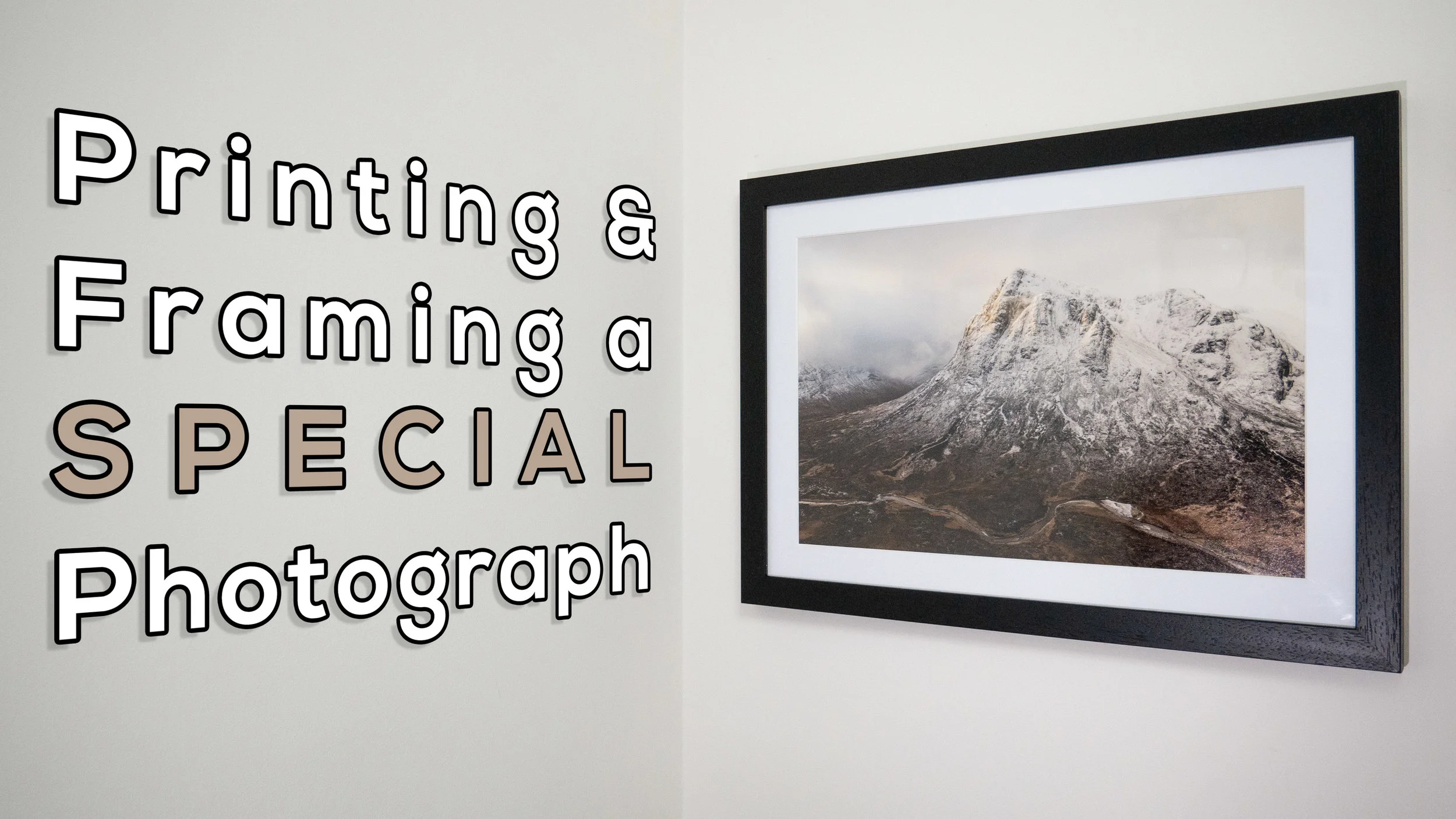
Printing and Framing a Special Landscape Photograph
Some landscape photographs just need to be printed and hung on the wall. In this blog post, I take a very special image, print it, frame it, and give it a permanent place on my wall.
Success in Scottish Landscape Photographer of the Year
Entering big photography competitions can seem like a waste of time. Some of these competitions can attract 1000's of entries, sometimes even 10,000’s of entries . Getting shortlisted can seem like an achievement sometimes. How do you create a winning image though? There's no easy answer to that question. Judging, even in the same competition, can vary from year to year. Just look at the winning images from Landscape Photographer of Year since it started. It's really hard to "know" what the judges are looking for.
However, there is one thing I do know. If I don't enter I certainly won't win anything! There is also one piece of advice I can share , and it's a piece of advice given to me by a photographer and photography competition judge. He told me that if you think you have a strong image then keep entering it into competitions year after year. Even if it doesn't get placed in one competition, it might in another. It's also worth entering the same image in the same competition a different year.
I've always remembered this bit of advice, so ever since I took the image of Stob Dearg (Buachaille Etive Mor) you see below, I've been entering it into competitions. This perseverance has finally paid off and the image has received a commended award in the Scottish Landscape Photographer of the Year competition. It's the 2nd time I've entered it into this competition, and 4th time in all competitions. So if you have a good image that you think could win an award, don't be put off by the first failure. Keep trying!!
First Light on Stob Dearg, Buachaille Etive Mor, Glencoe - Nikon D750, Nikkor 24-70 mm f/2.8 VR at 28 mm, f/11, 1/25th sec at ISO 100.
Printing and Framing
The image is one that I am immensely proud off and it brings back many happy memories of my adventure to Glencoe (which you can watch here). While it will be a real privilege to see it in the yearbook from the competition, I really wanted to make my own print of it, frame it, and give it a permanent place on my wall.
In the video below I show you how I went about printing the image, selecting a paper, framing it, and eventually hanging it on the wall.
If you are interested in doing something similar yourself, here are the products I used in the video:
Fotospeed Cotton 305 - https://www.fotospeed.com/Platinum-Cotton-305-Paper/groupproduct/2937/
Fotospeed Baryta 300 - https://www.fotospeed.com/Platinum-Baryta-300/groupproduct/1437/
Fotospeed Legacy Gloss 325 - https://www.fotospeed.com/NEW-Legacy-Gloss-325-Paper/groupproduct/3103/
Picture Frames Express - https://www.pictureframesexpress.co.uk/
Conservation Tape - https://www.pictureframesexpress.co.uk/picture-frame-supplies/tapes/74/
Picture Hanging Strips - https://amzn.to/2TWuE2l
I hope you enjoyed this video and blog post. Do you have any photography competition tips? How do you go about displaying your prints? Let me know in the comments below.